
The Best AI Image Prompts of 2025 | 80 Ideas
As AI image generation becomes better and better, more people are putting these tools to the test. However, the outputs of these tools are only as good as the prompts you give them. This article walks you through some important considerations when writing prompts and provides examples to inspire your next creation.
Prompt: A photo of a writer looking at her computer; she’s extremely happy with her work.


Why great prompts matter in 2025
The rise of AI-generated content has only hastened the already blistering pace of the internet. If you want to stand out, it’s important to create material that fully reflects your vision.
To create great images, you need a great prompt. Strong prompts need to be:
- Clear: AI tools cannot read your mind, so make sure your prompt is unambiguous.
- Detailed: To get the most out of an image generator, you need to tell it exactly what you want. Provide as much information as you can about the style and content of the image you’re hoping to create.
- Creative: AI image generators are tools, not artists. Truly unique images require some creativity on your part.
If you’re new to image generation, you might be unsure what details you can or should provide. The best prompts usually have four ingredients:
- Subject (who/what is the focus)
- Details (clothing, expression, texture, props)
- Setting (background, environment, time of day, atmosphere)
- Style/Medium (photography, painting, anime, 3D render, surrealism, etc.)
Although you can rewrite prompts and provide feedback to an AI image generator, doing so takes time. Providing a strong prompt on your first try can save you time and boost your productivity.
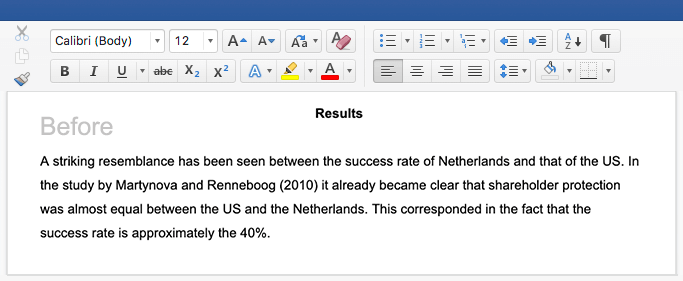
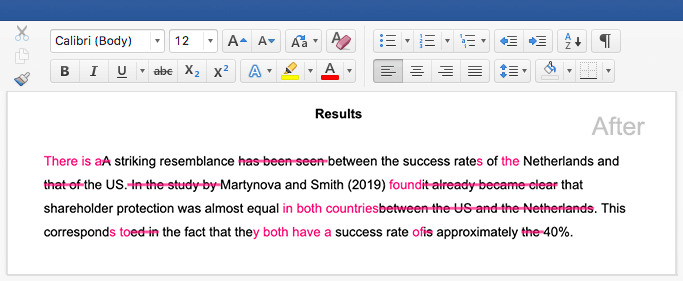
How to write a good prompt
You’re ready to get started! But what exactly should your prompt include? Below is a checklist of things to keep in mind as you start writing.
- Be descriptive: Include subject, setting, and mood.
- Add style or medium: For example, anime, cinematic, or fantasy world.
- Use composition cues: Wide shot, portrait, close-up, et cetera.
- Experiment with negative prompts: Tell the AI what not to include.
- Iterate and refine: Start broad, then fine-tune.
Remember, prompt writing is a skill. With practice, you’ll master using AI image generators to create the content you need in seconds.
Prompt examples by category
There is truly no limit when writing AI image prompts. Below are some examples, separated by category, to inspire your next creation.
Nature and landscape
- A photograph of a desert canyon at twilight, glowing orange cliffs reflected in a winding river
- A hyperrealistic astrophotography shot of the night sky with the silhouette of a leafless tree in the foreground
- An ancient redwood forest with beams of sunlight streaming through the canopy
- A stormy coastline with dramatic crashing waves against black volcanic rocks
- Snow gently floating down into a sweeping forest with tall pines
- An autumn mountainside with golden aspens and a winding path leading to a rustic cabin
- A photograph of a desert landscape with a variety of rock formations and brilliant stars in the background
- A panoramic view of rice terraces in Bali at sunrise
- A hidden jungle temple overgrown with vines that looks straight out of a scene from Indiana Jones
- An abandoned mill in the spring, surrounded by beautiful wildflowers
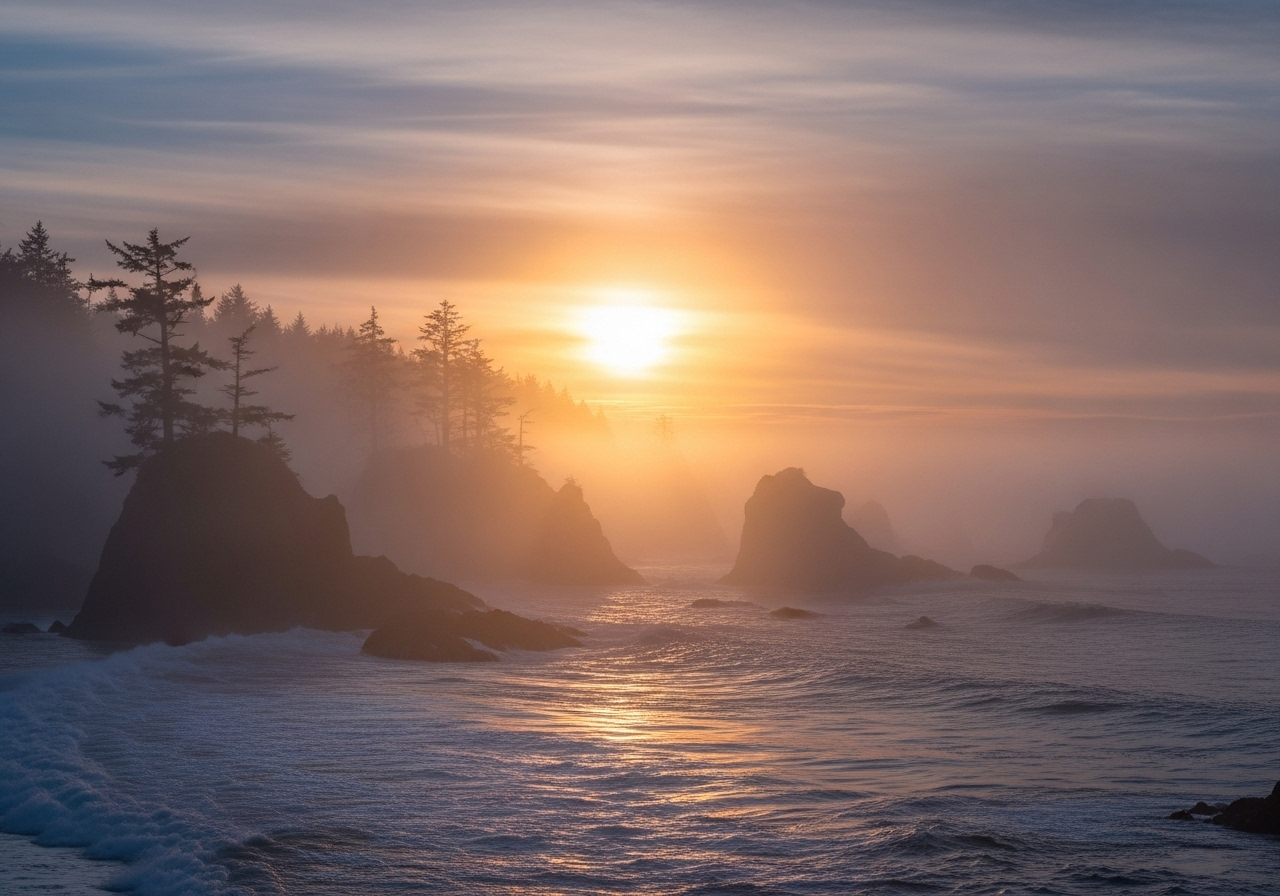
Prompt: A misty sunset on the west coast of Vancouver Island
Portraits and characters
- A medieval knight in shining armor holding a banner, painted in renaissance style
- A photorealistic portrait of a young artist with paint on her hands and clothes
- A cybernetic hacker with glowing eyes sitting in front of cascading digital code
- Realistic close-up of a child laughing in the rain, droplets frozen midair
- Street-style fashion portrait of a model in bold neon clothing under city lights
- A pirate captain with a feathered hat and scarred face, painted in oil painting style
- Realistic portrait of a ballet dancer stretching backstage in soft light
- A steampunk explorer with brass gadgets, standing in front of a giant airship
- A witch brewing potions in a candlelit cottage, painted in dark fantasy style
- Otherworldly alien diplomat in elegant robes with shimmering, iridescent skin
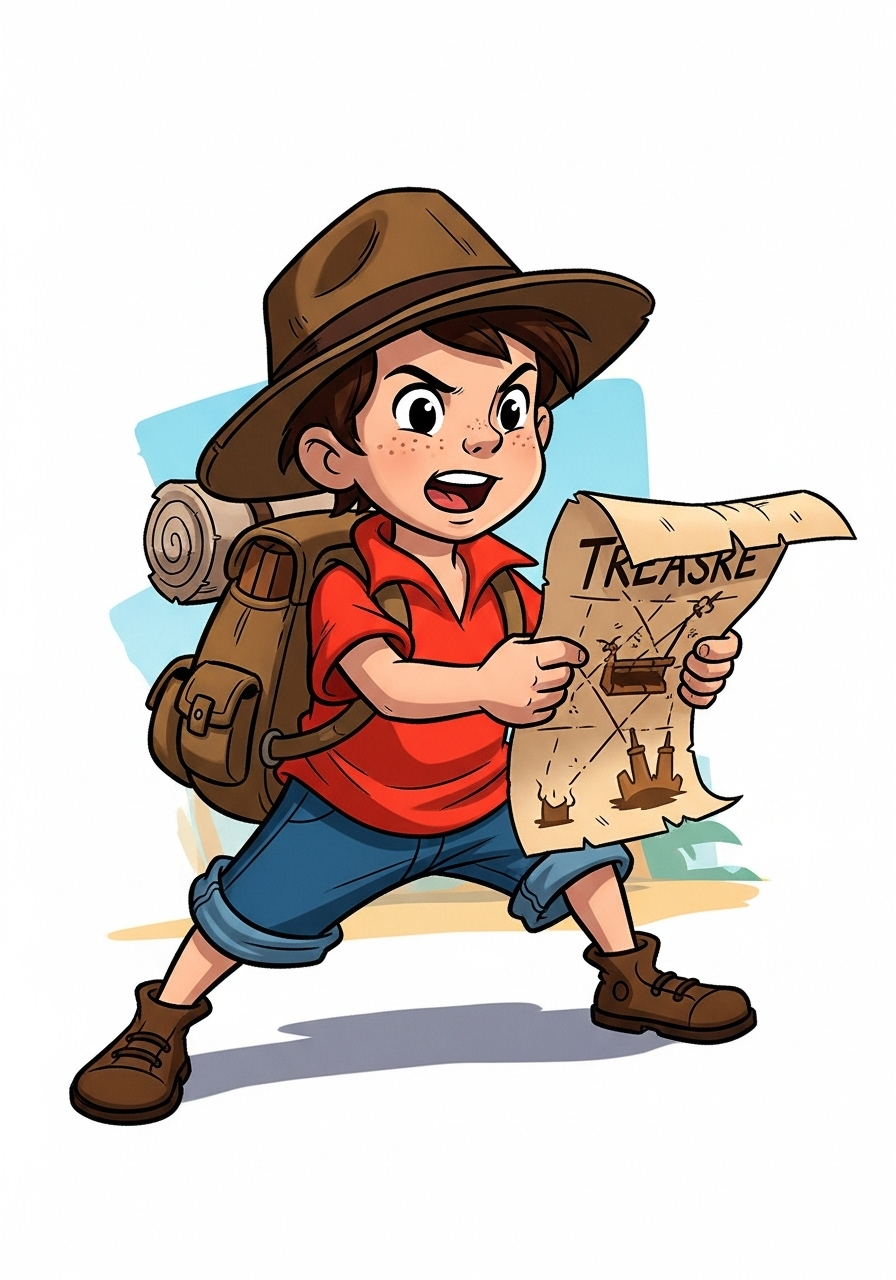
Prompt: Cartoon-style adventurer child with a backpack and a treasure map
Cities and architecture
- A futuristic eco-city built into the side of a mountain with hanging gardens
- A rainy European cobblestone street at night lit by warm lanterns
- A bustling night market in an East Asian city with glowing lanterns and food stalls
- An ancient Roman amphitheater reconstructed in photorealistic detail
- A minimalist Japanese tea house surrounded by raked sand gardens
- An arctic research station under the northern lights
- A Moroccan bazaar filled with textiles, spices, and intricate archways
- A cinematic view of skyscrapers piercing through thick clouds at dawn
- A city skyline during a thunderstorm, with lightning illuminating glass towers
- A neon-drenched Times Square–style district filled with holographic billboards
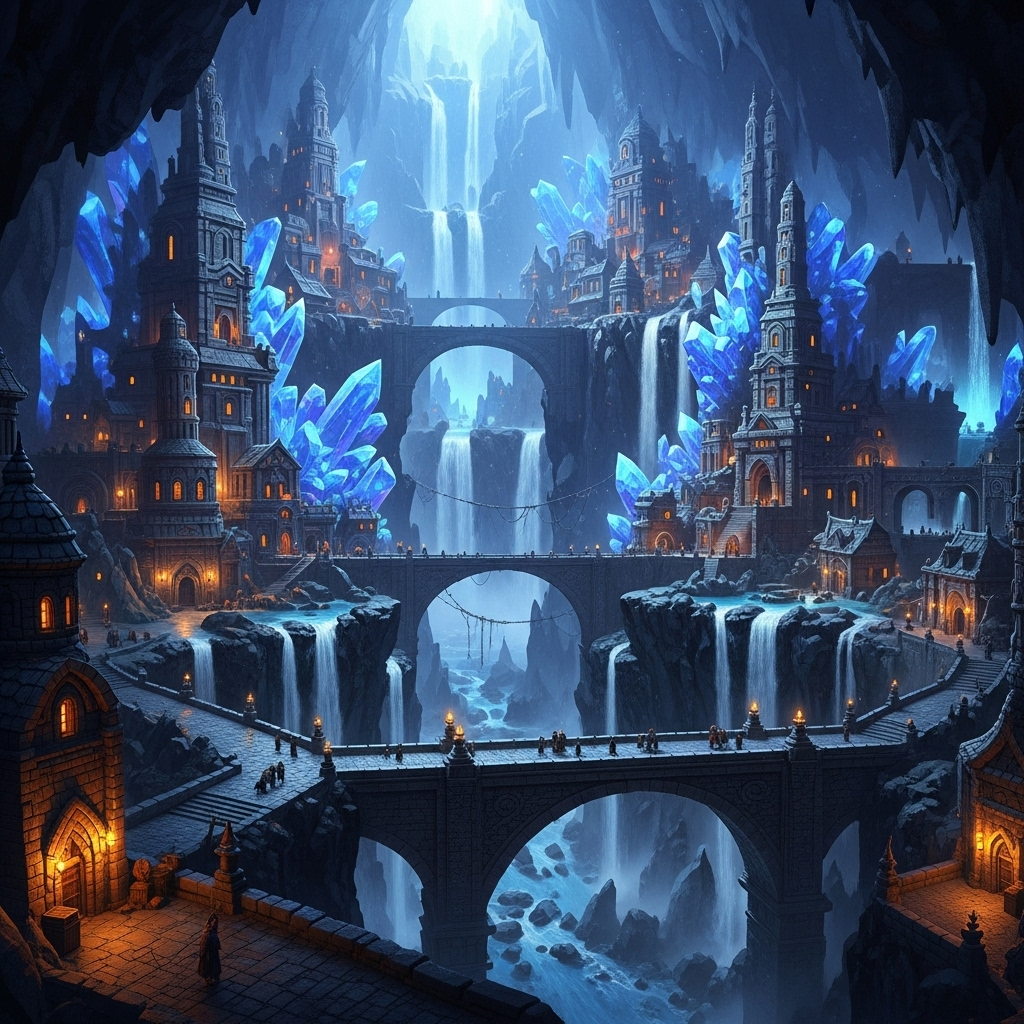
Prompt: A fantasy dwarven city carved into the walls of a glowing crystal cavern
Abstract and artistic
- Abstract oil painting with swirling brushstrokes in bold reds and blues
- Cubist-inspired still life with fragmented bottles and fruit in vibrant colors
- Digital glitch art with distorted rainbow pixels and broken textures
- Dreamlike portrait of a person dissolving into butterflies
- Glowing neon wireframe sphere suspended in black space
- Stained-glass window with intricate geometric symmetry
- A surreal melting city skyline reflected in liquid mirrors
- Chaotic abstract typography collage in the style of Dadaism
- Minimalist line art drawing of two hands almost touching
- Sculpture made of glass shards glowing under neon light
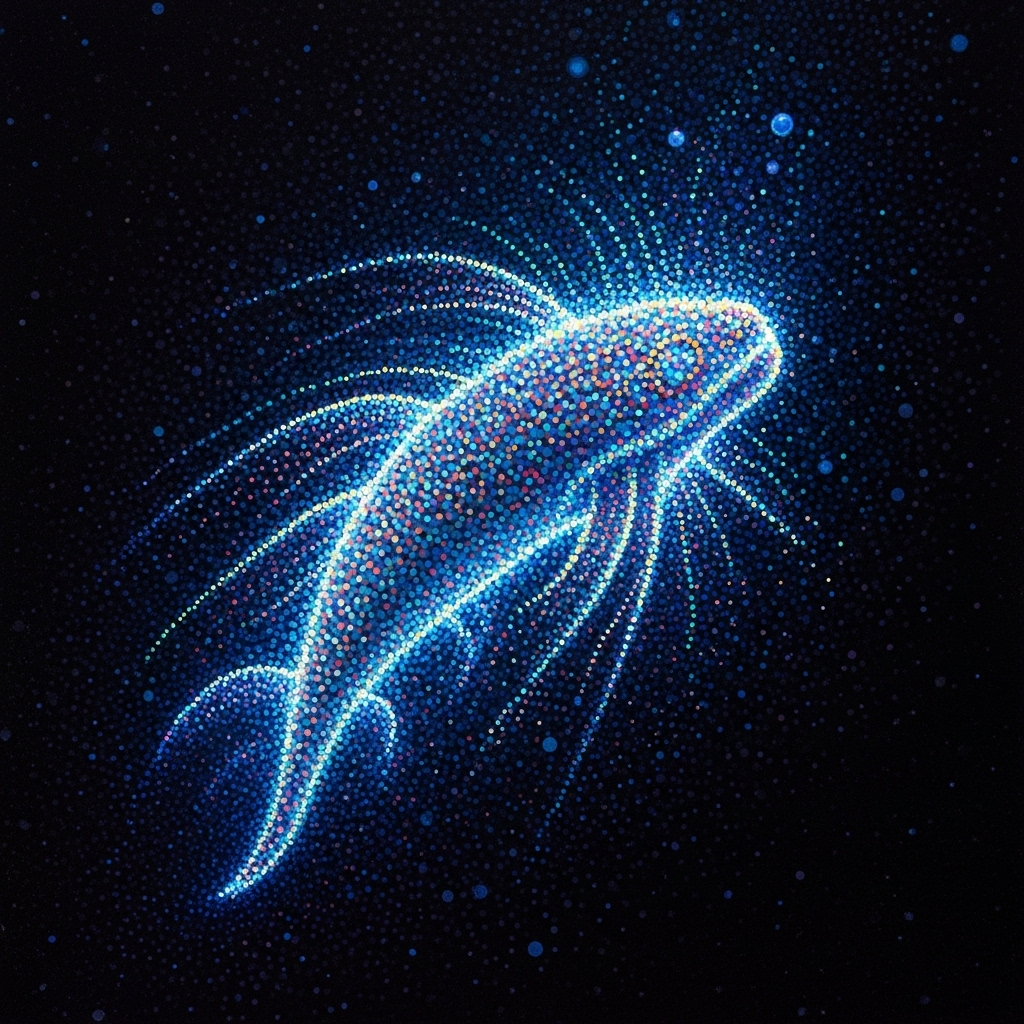
Prompt: Vibrant and glowing deep-sea creature painted using pointillism technique
Educational diagrams and infographics
- Illustrated cross-section of a volcano with labeled magma chamber, vent, and crater
- Step-by-step infographic of the life cycle of a butterfly with clear icons and arrows
- Clean diagram of the human skeletal system with labeled bones
- Infographic showing the process of the carbon cycle with arrows and icons
- Labeled cutaway diagram of a car engine in a technical manual style
- Step-by-step visual guide to the scientific method using simple icons
- Timeline infographic showing major events in ancient Egyptian history
- Illustrated guide to the life cycle of a frog with labeled stages
- Diagram of a medieval ship with labeled sails, mast, and hull parts
- Infographic illustrating how a rainbow forms, with sunlight and raindrop interactions
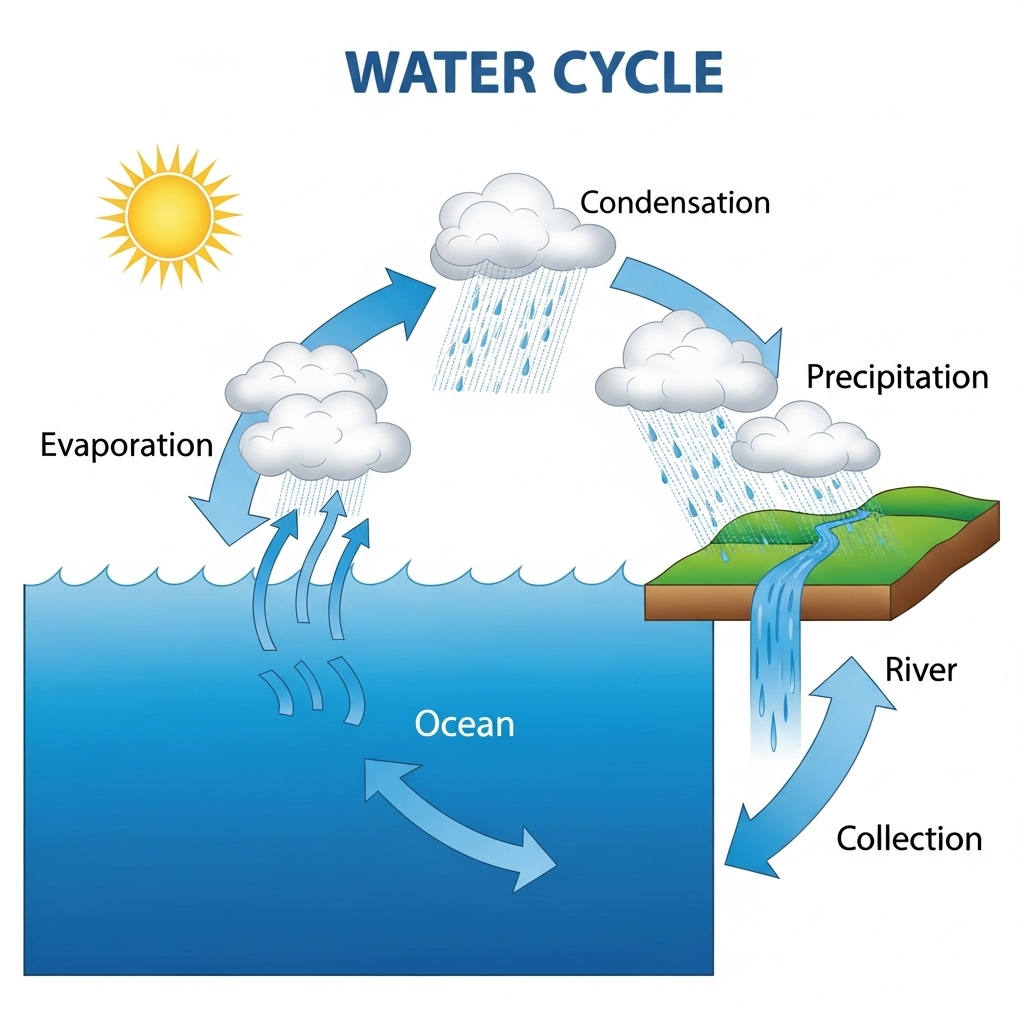
Prompt: Simple diagram depicting the water cycle
Marketing and branding
- Flat lay of artisanal chocolate bars on a rustic wooden table, natural lighting
- Instagram-ready photo of a smoothie bowl with vibrant fruits and granola
- YouTube thumbnail of a surprised chef holding a giant sandwich with bright lighting
- Business card mockup with embossed logo on a marble desk background
- Mockup of a smartphone screen showing a lifestyle app interface in photorealistic style
- Instagram carousel mockup featuring trendy stationery and notebooks
- Product packaging concept for a craft beer bottle with illustrated label
- Realistic coffee shop scene with branded cups, pastries, and napkins
- Minimalist logo reveal mockup rendered on a concrete wall with soft shadow
- A colorful app icon concept displayed on a modern smartphone screen in perspective view
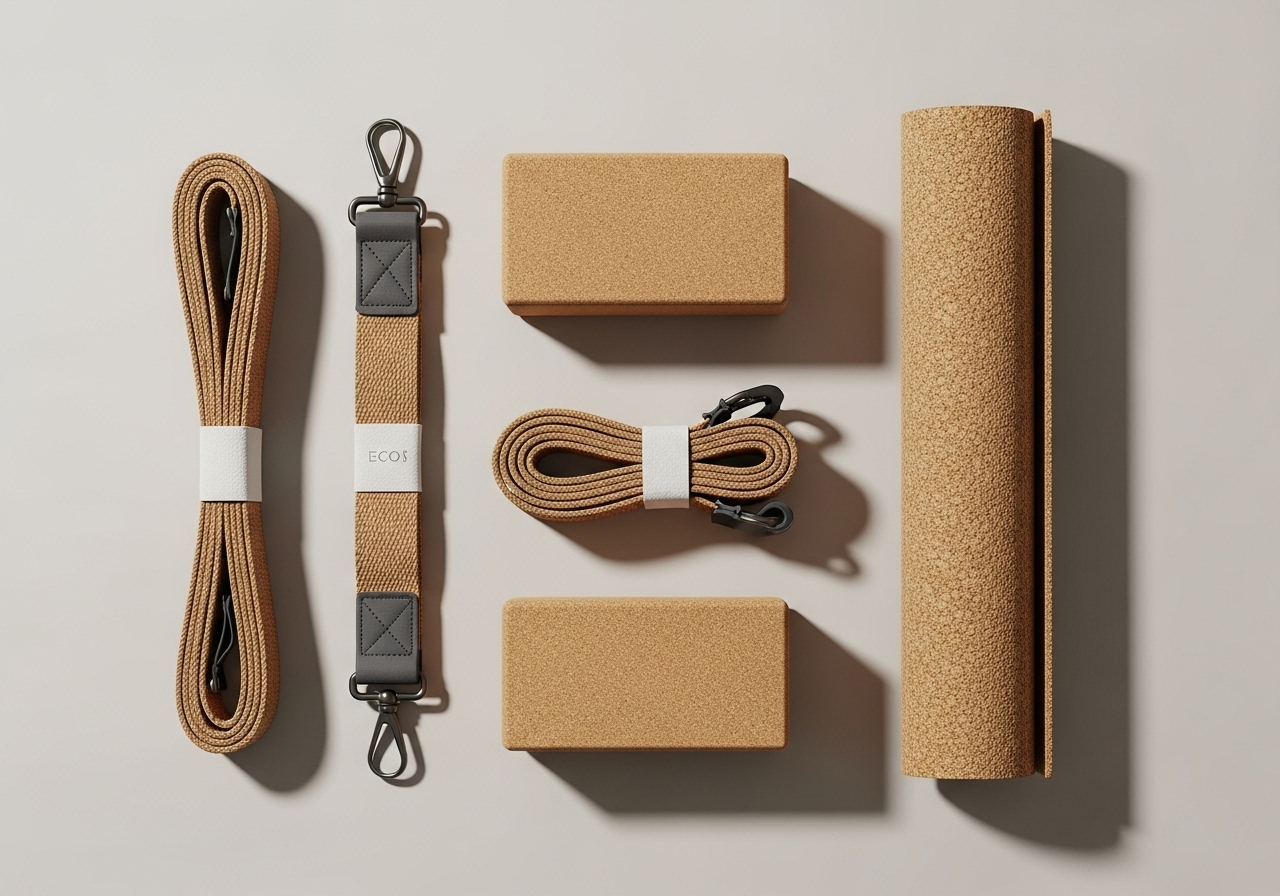
Prompt: Flat lay of eco-friendly yoga gear, including mat, blocks, and straps, styled aesthetically
Fun and whimsical
- Cartoon-style raccoon chef flipping pancakes in a busy diner
- Cute anime dragon blowing soap bubbles instead of fire
- Digital art of a koala DJ spinning records at a neon dance club
- Adorable hamster astronaut riding a rocket shaped like a carrot
- Cute puppy dressed as a pirate steering a toy ship
- Cartoon-style sloth superhero flying clumsily through the sky
- Charming hedgehog painter creating a masterpiece on a giant canvas
- Whimsical cat mermaid lounging on a rock in a pastel ocean
- Fantasy-style mouse knight in tiny shining armor holding a sword
- Cartoon llama riding a unicycle while holding balloons
Prompt: Magical unicorn barista serving rainbow lattes in a cozy café
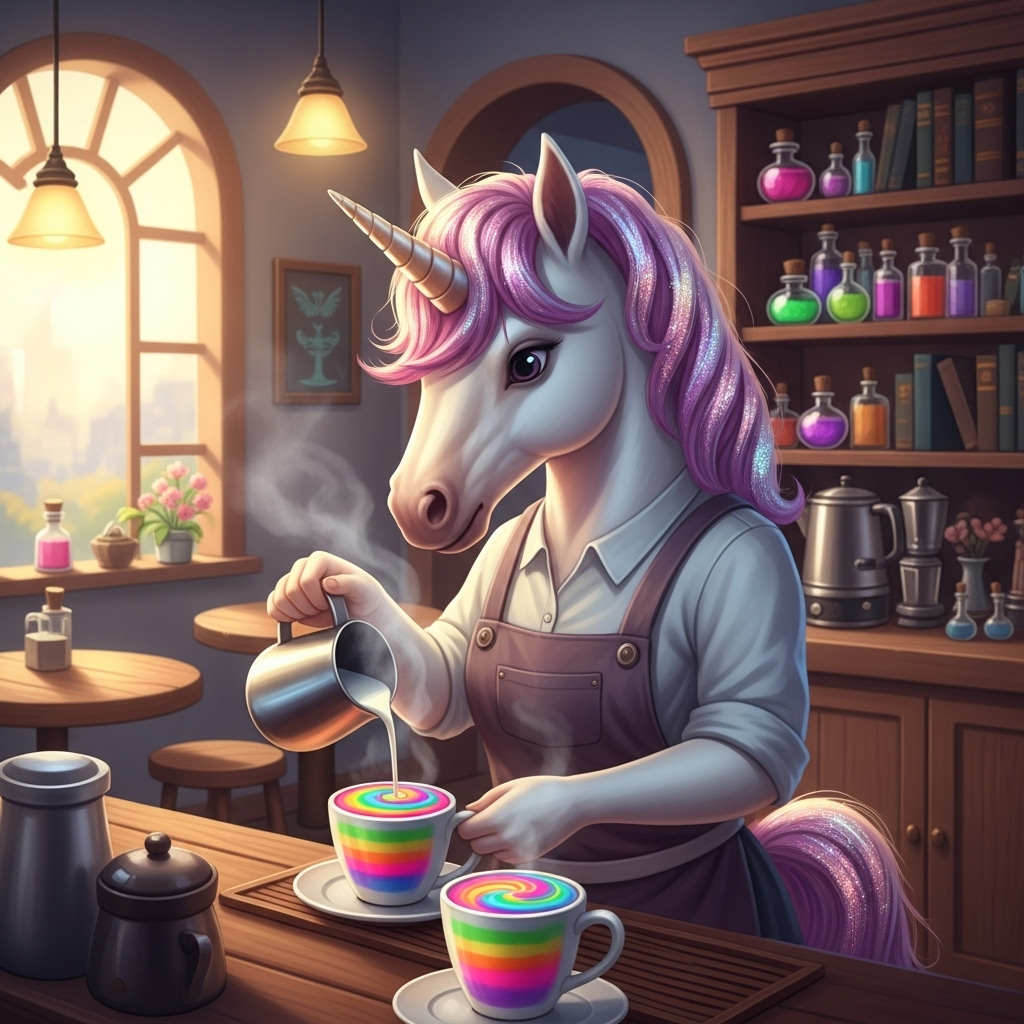
Image editing
Some AI image generators let you provide an image to make changes to. What would have taken ages in Photoshop can be accomplished in seconds! Below are some ideas to get you started.
- Put me in a blouse and pencil skirt instead of casual clothes
- Remove all the people in the background of this photo
- Remove blemishes and shiny foreheads in this group shot
- Show me what this room would look like with light blue walls
- Add a sunset sky behind this city skyline
- Turn this photo into a pencil sketch
- Replace this wedding bouquet with sunflowers
- Change the season in this photo from summer to winter
- Put everyone in this family portrait in matching red flannel shirts
- Add a golden retriever sitting next to me in this picture
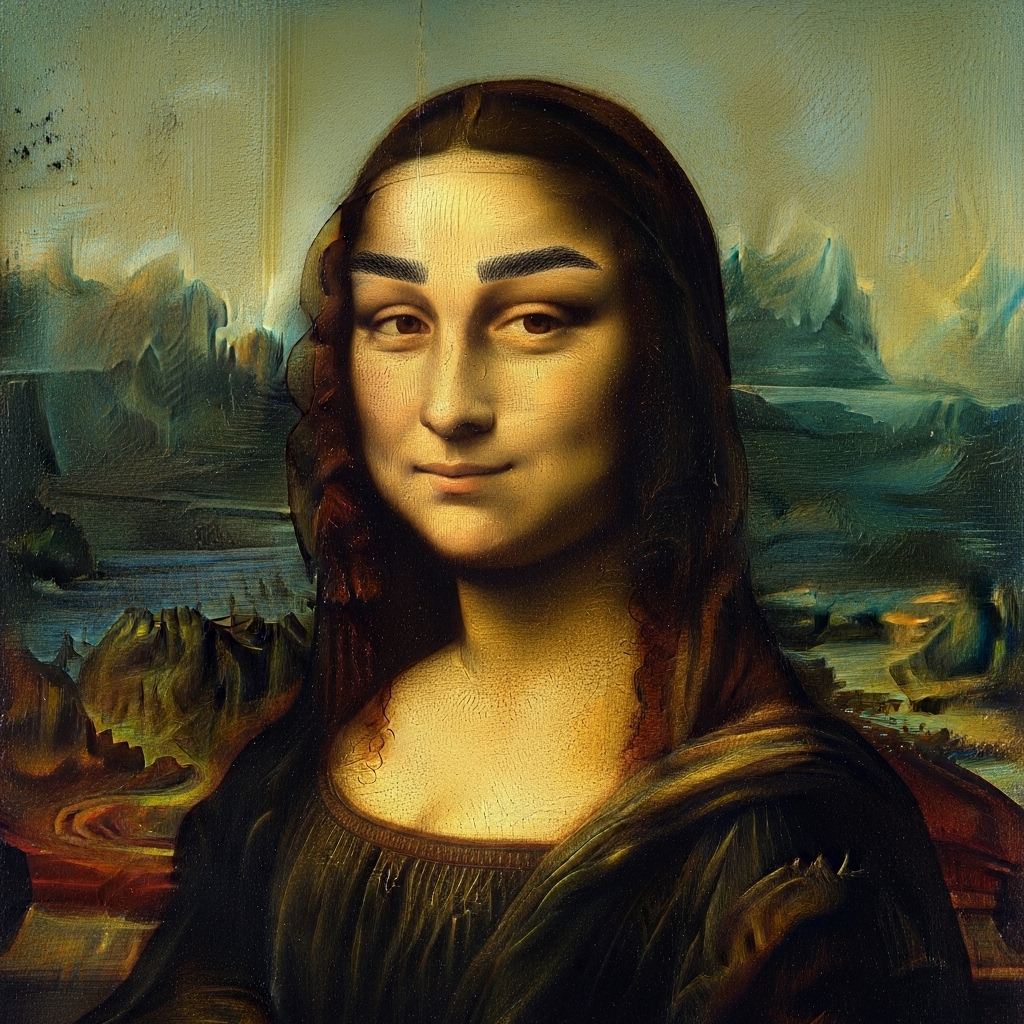
Prompt: Give the Mona Lisa eyebrows
AI art styles and example terms
Something that makes AI image generators incredibly powerful is their ability to generate very specific types of images. You can outline the exact artistic technique and style you want to create something that completely matches your vision.
Check out the terms below and incorporate them into your own prompts!
Artistic media
When an artist creates artwork, they have to decide which medium (or material) to use, and this choice can greatly influence what the final product looks like. AI image generators can mimic different media to produce drastically different images.
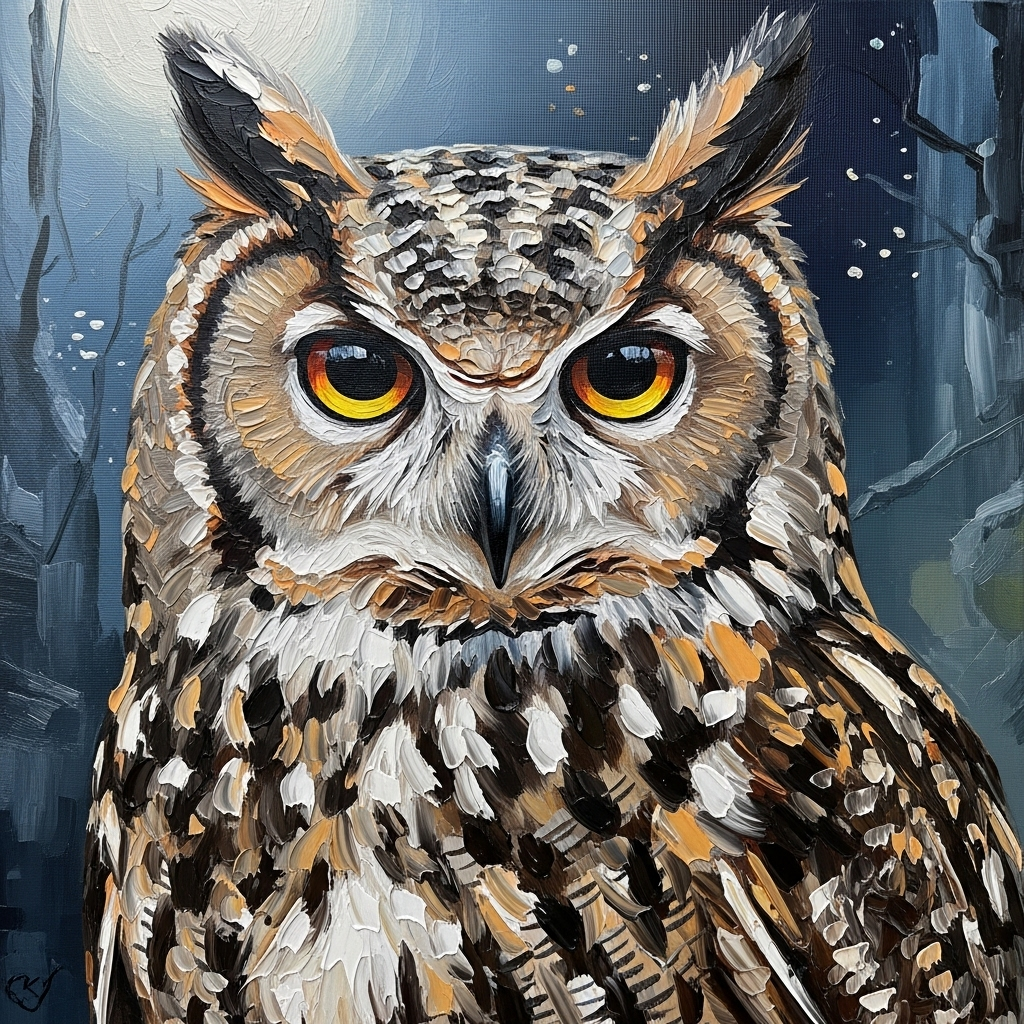
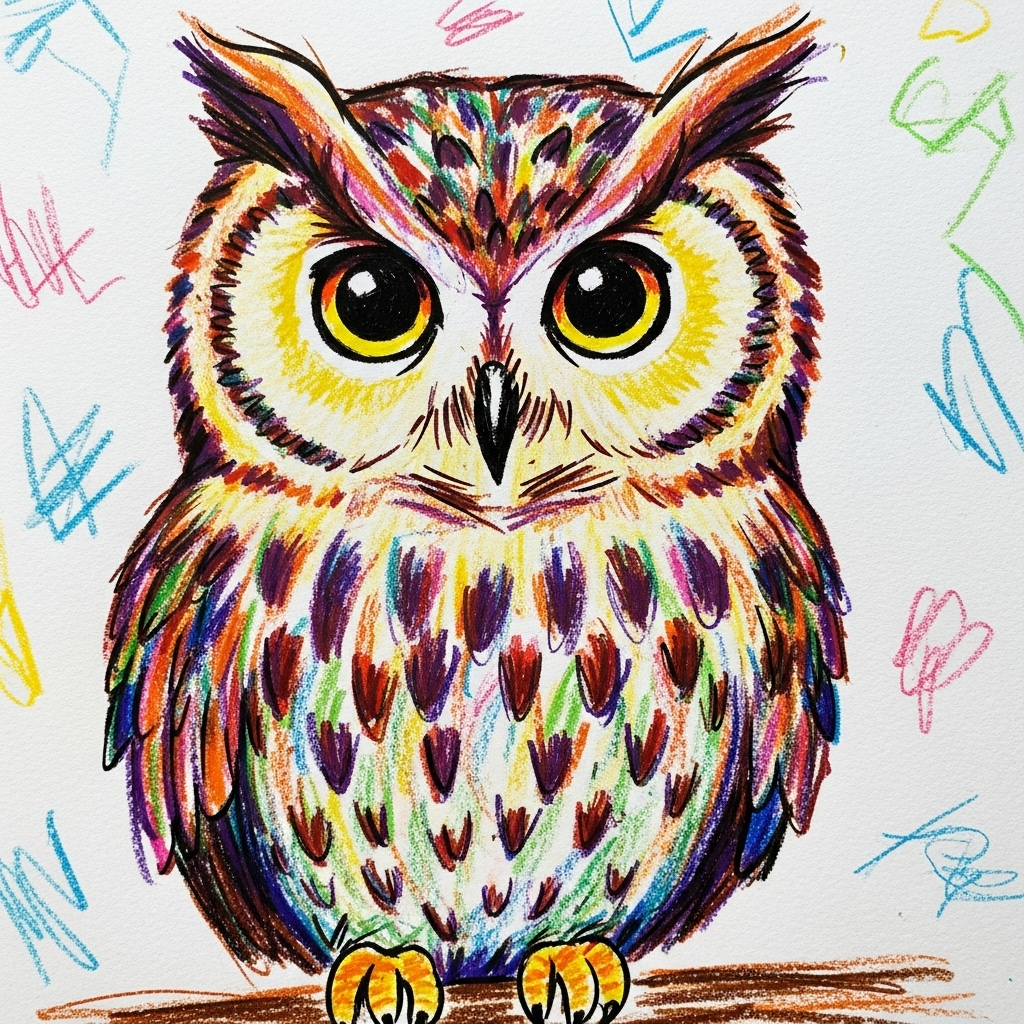
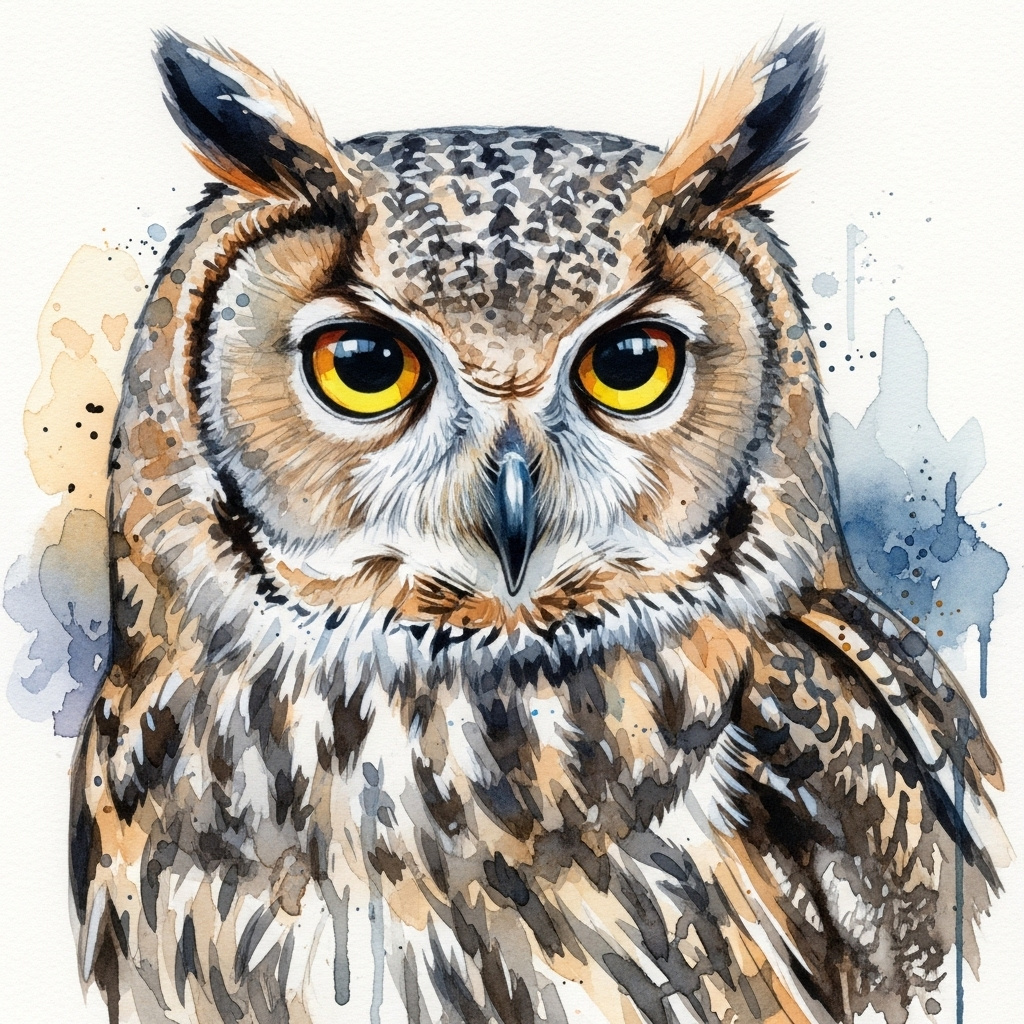
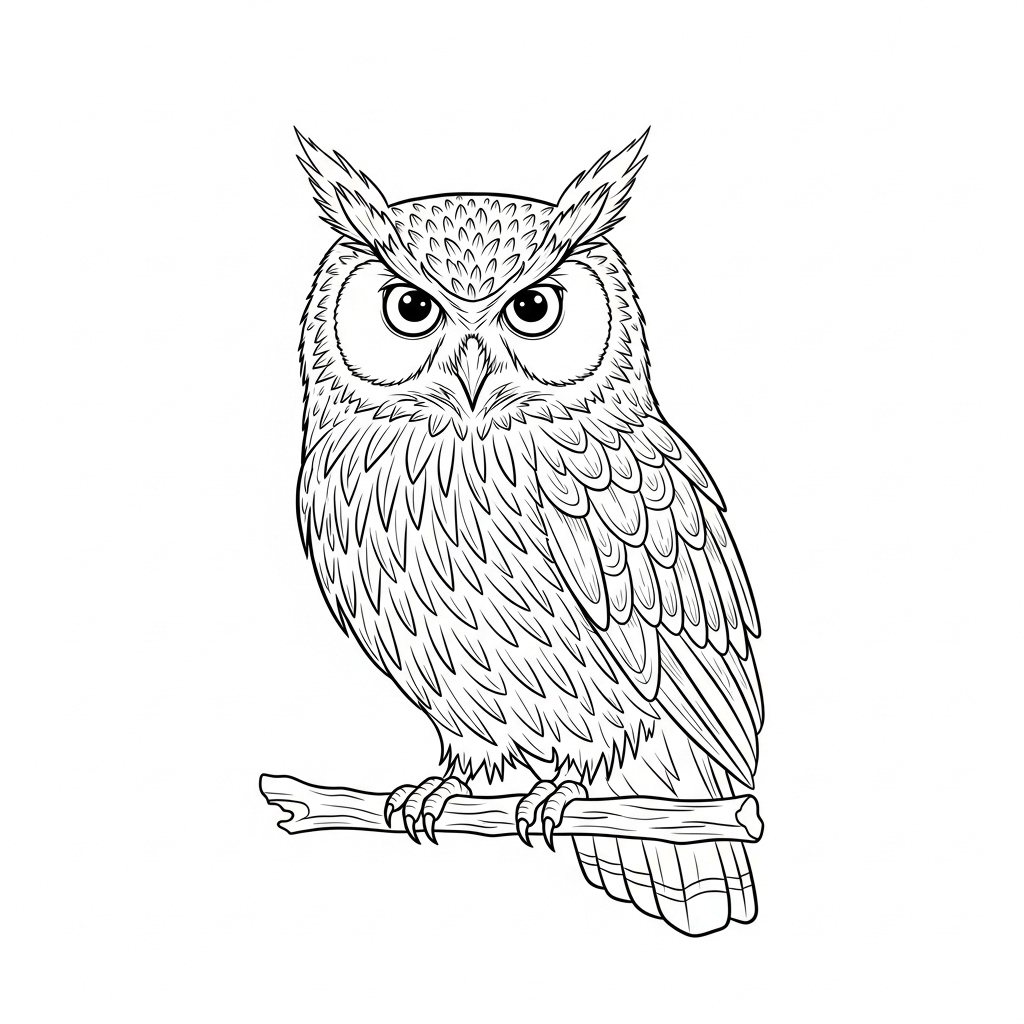
Below are four images, each with a different option specified in the prompt “Create an image of an owl drawn with [blank].”
Prompt: Create an image of an owl drawn with oil paint
Prompt: Create an image of an owl drawn with crayons
Prompt: Create an image of an owl drawn with watercolor paint
Prompt: Create an image of an owl drawn with line art
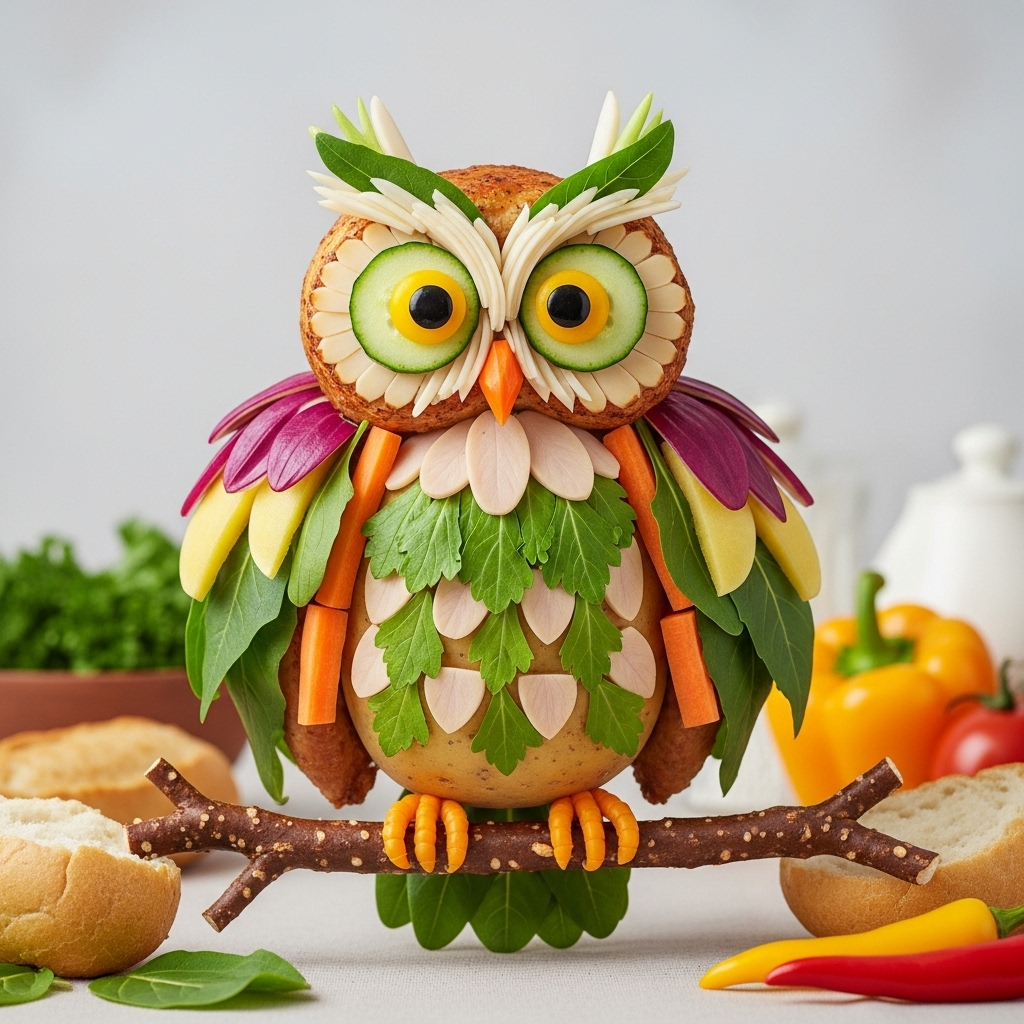
Remember that AI prompts don’t need to be limited to “real” art techniques—you can get creative!
Prompt: Draw an owl made of food.
Other artistic media you can play around with include:
- Acrylics
- Pens
- Markers
- Chalk
- Ink
- Colored pencils
- Charcoal
- Pastels
- Marble
- Wood
- Clay
- Steel
- Fabric
- Glass
- Bubbles
- Light
- Water
- Ice
- Fire
Art history terms
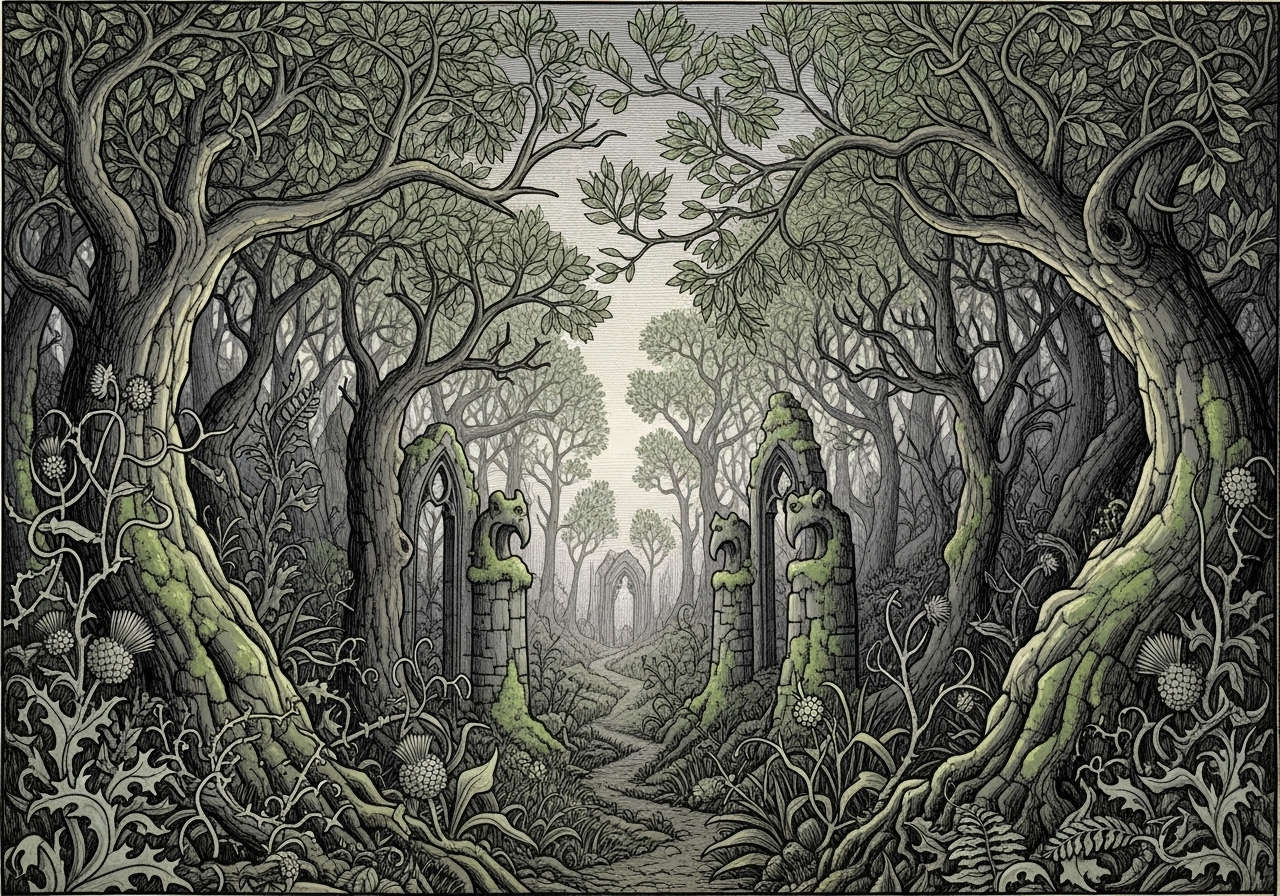
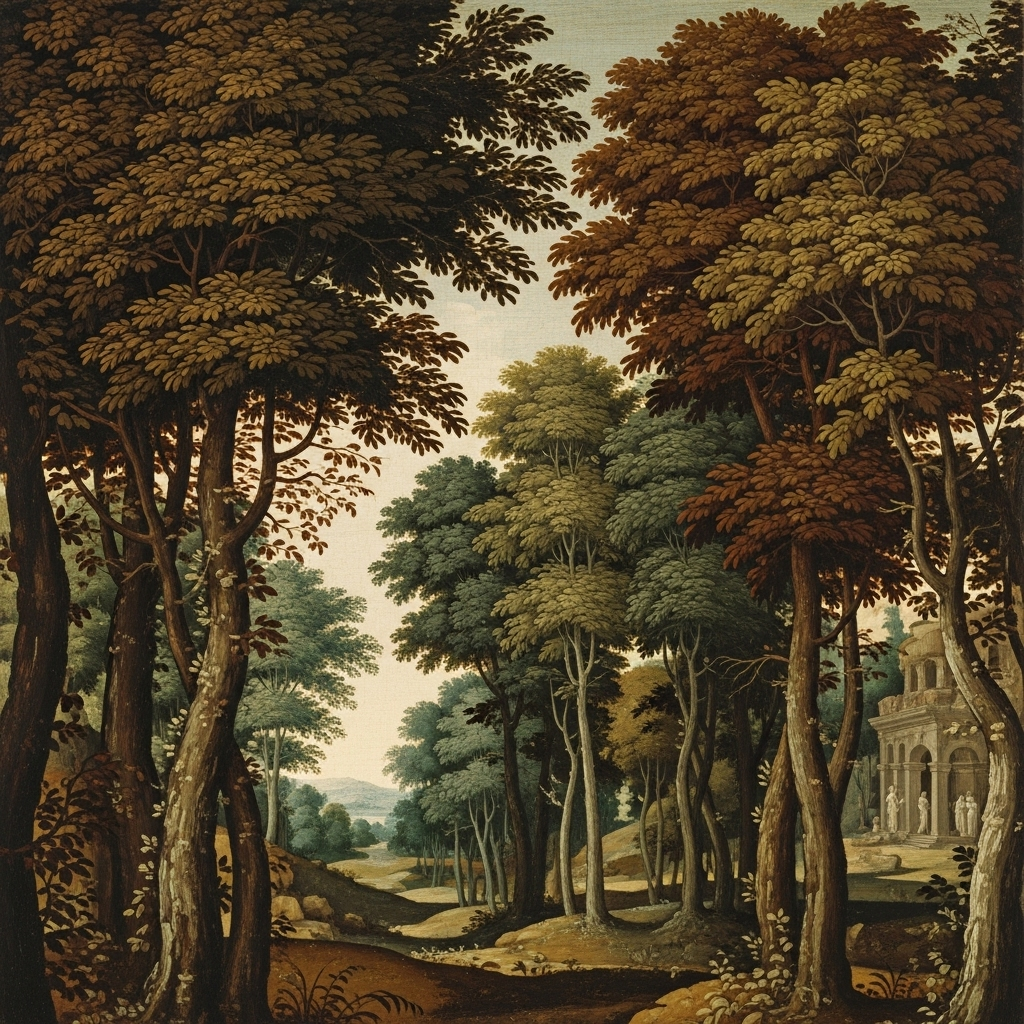
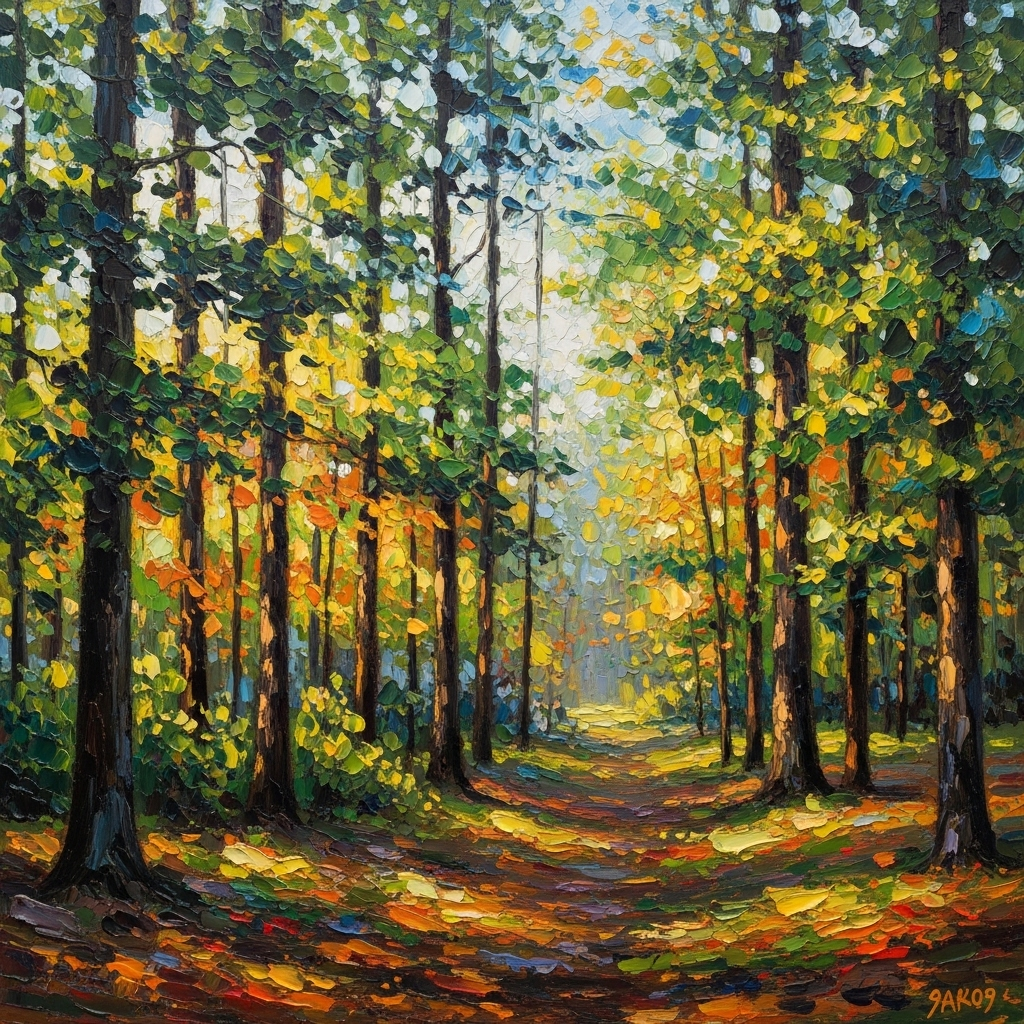
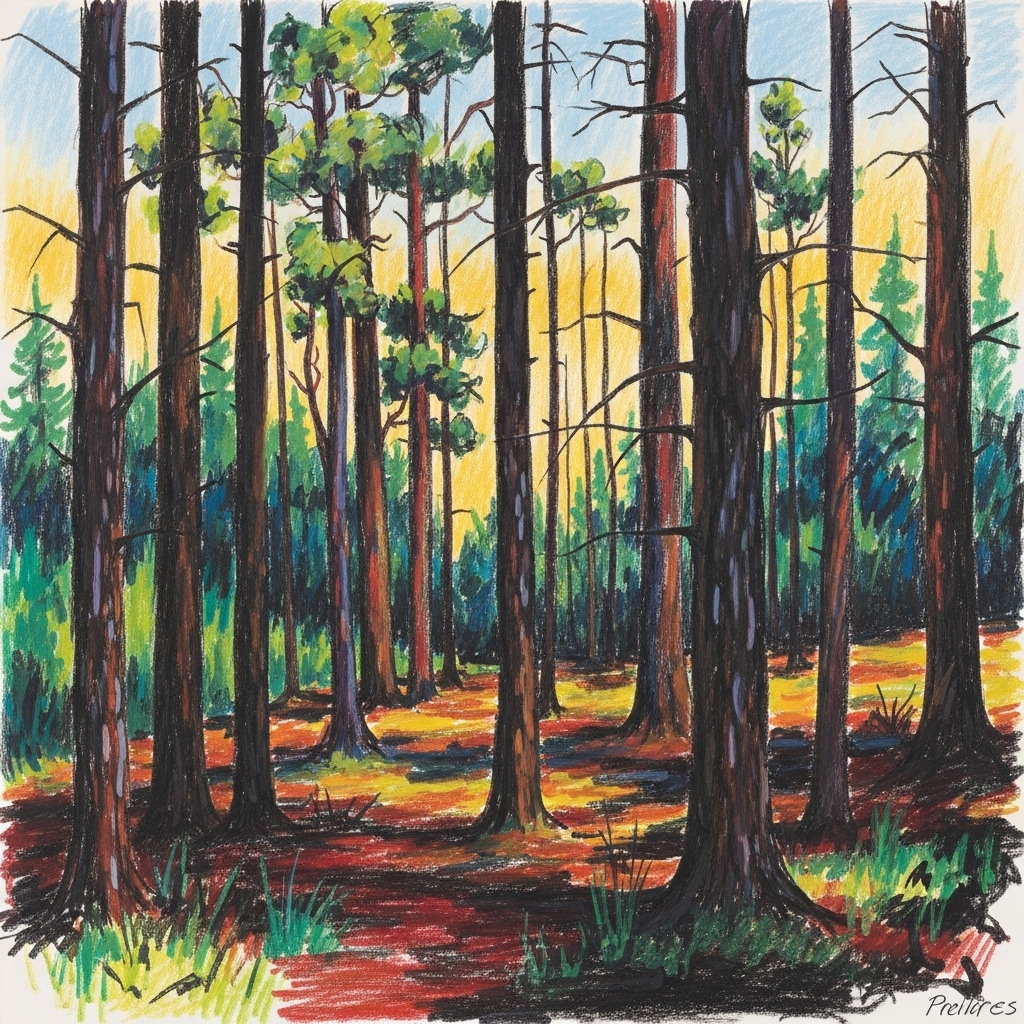
Artistic styles and techniques vary widely. You don’t need to be an art history buff to create images reminiscent of a certain art movement or historical period. Below are a few examples.
Prompt: Draw a forest in Gothic medieval style.
Prompt: Draw a forest in Renaissance style.
Prompt: Draw a forest in Impressionist style.
Prompt: Draw a forest in an Expressionist style.
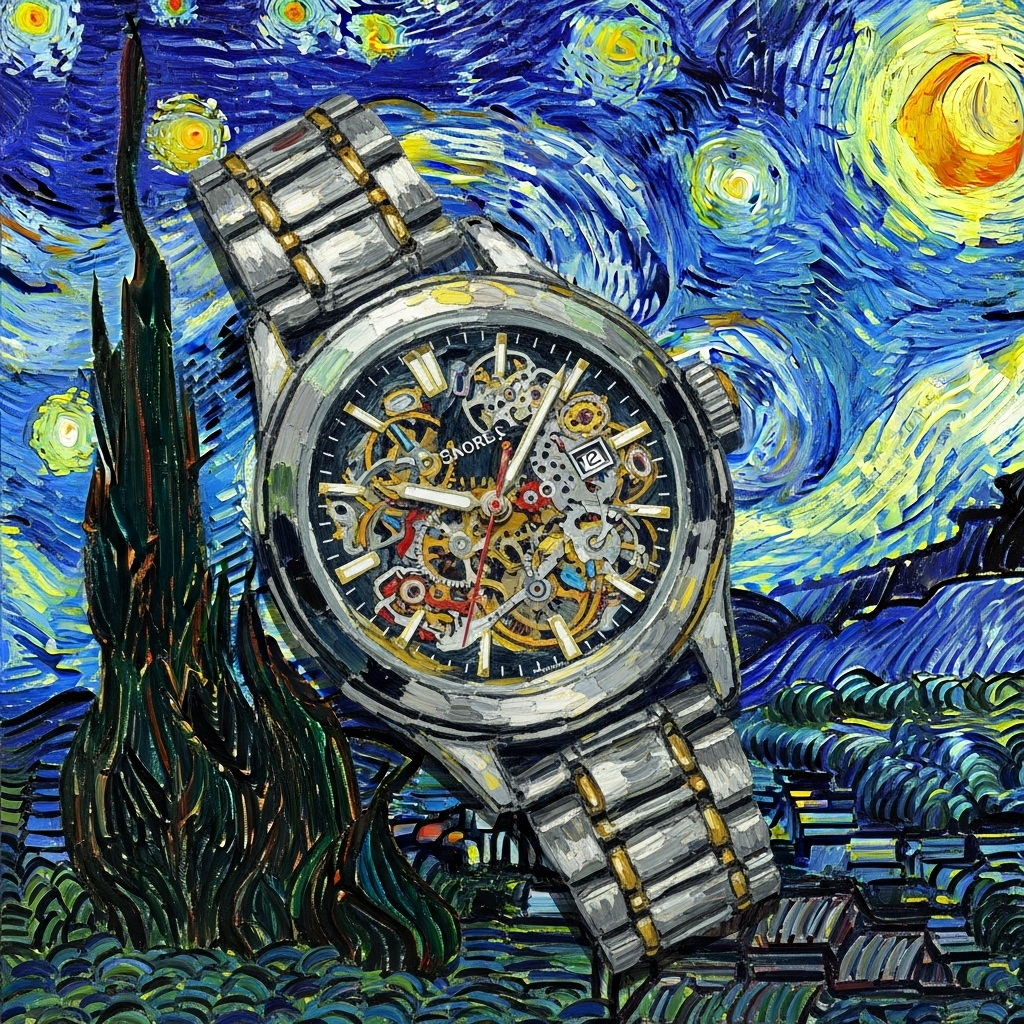
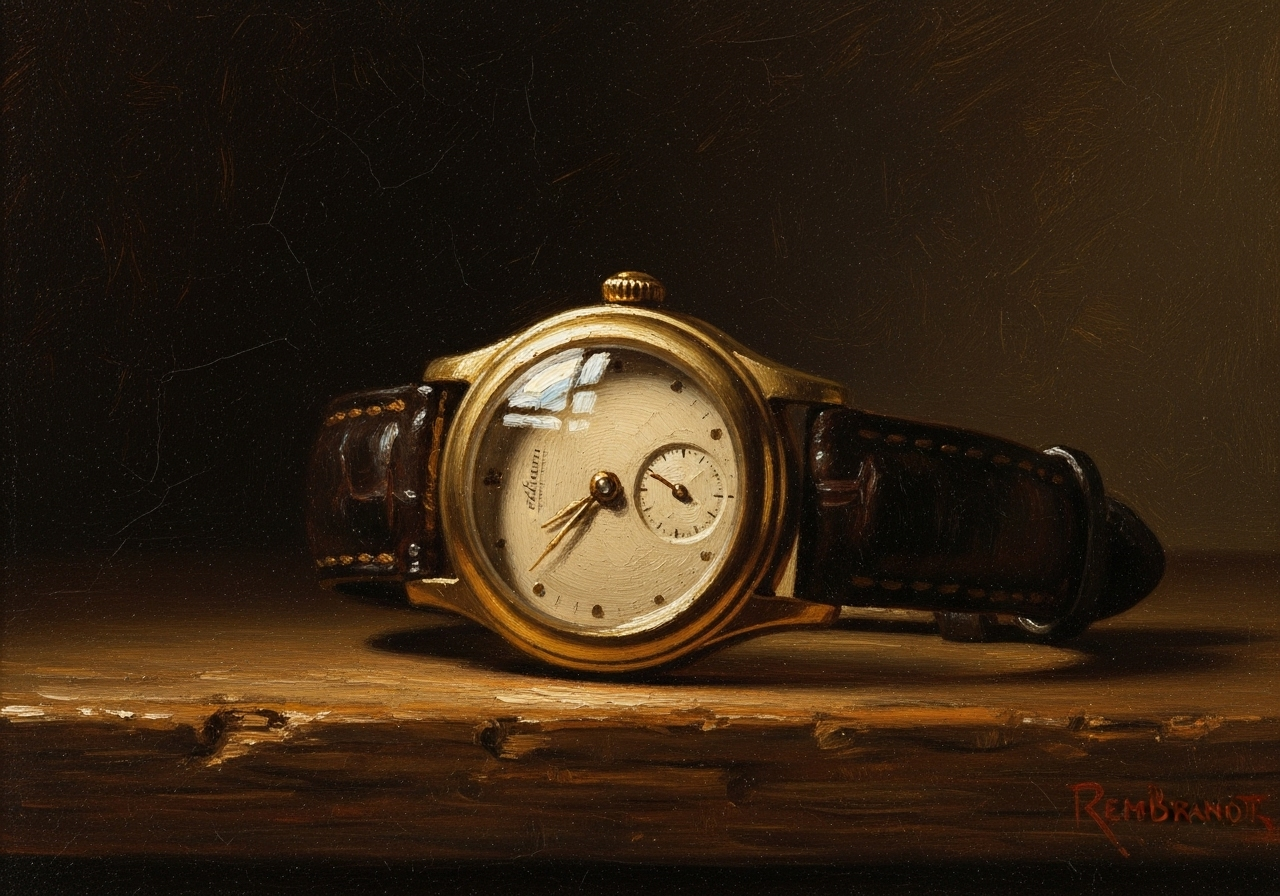
Famous artists
AI image generators can also mimic the work of famous artists. Remember to be respectful of artists and their right to create and profit from their own work.
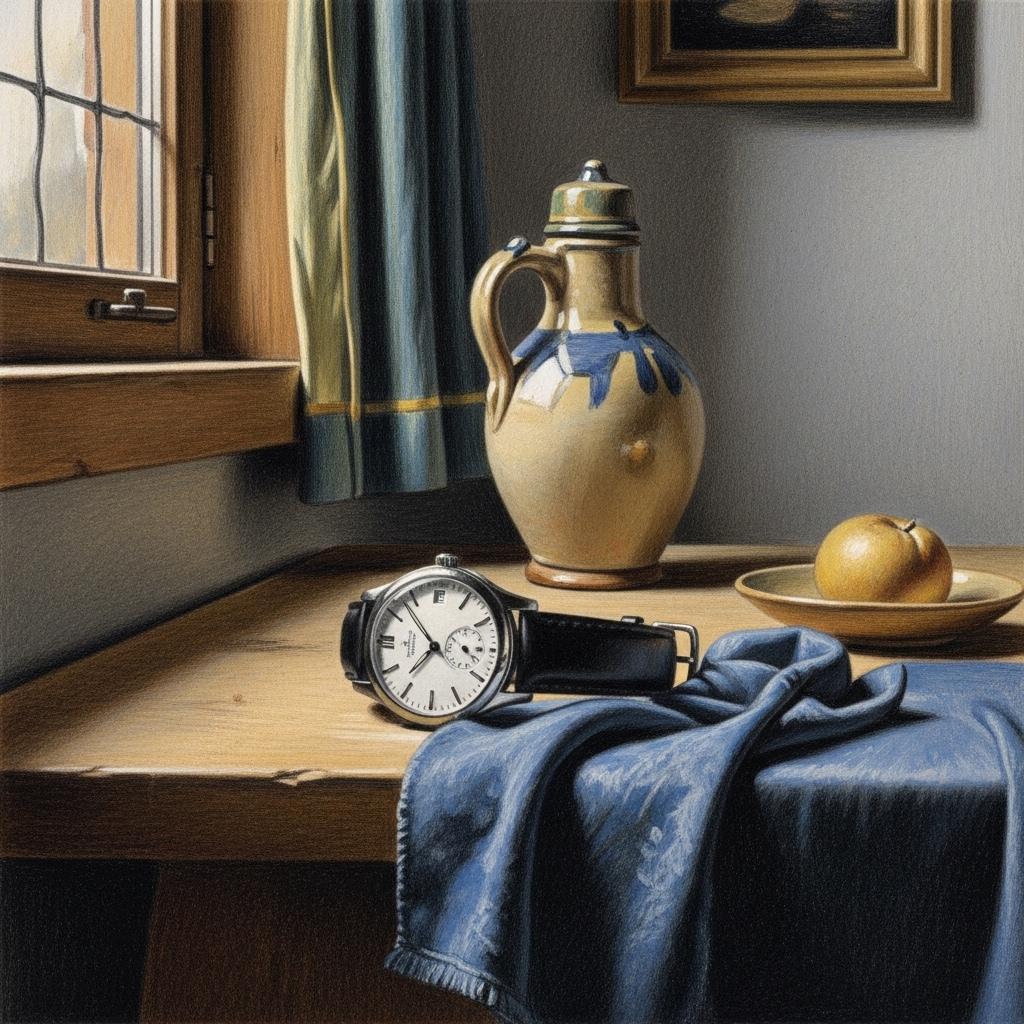
Below are images that mimic notable figures from art history.
Prompt: A wristwatch in the style of Johannes Vermeer.
Prompt: A wristwatch in the style of Vincent Van Gogh.
Prompt: A wristwatch in the style of Rembrandt.
Photography style
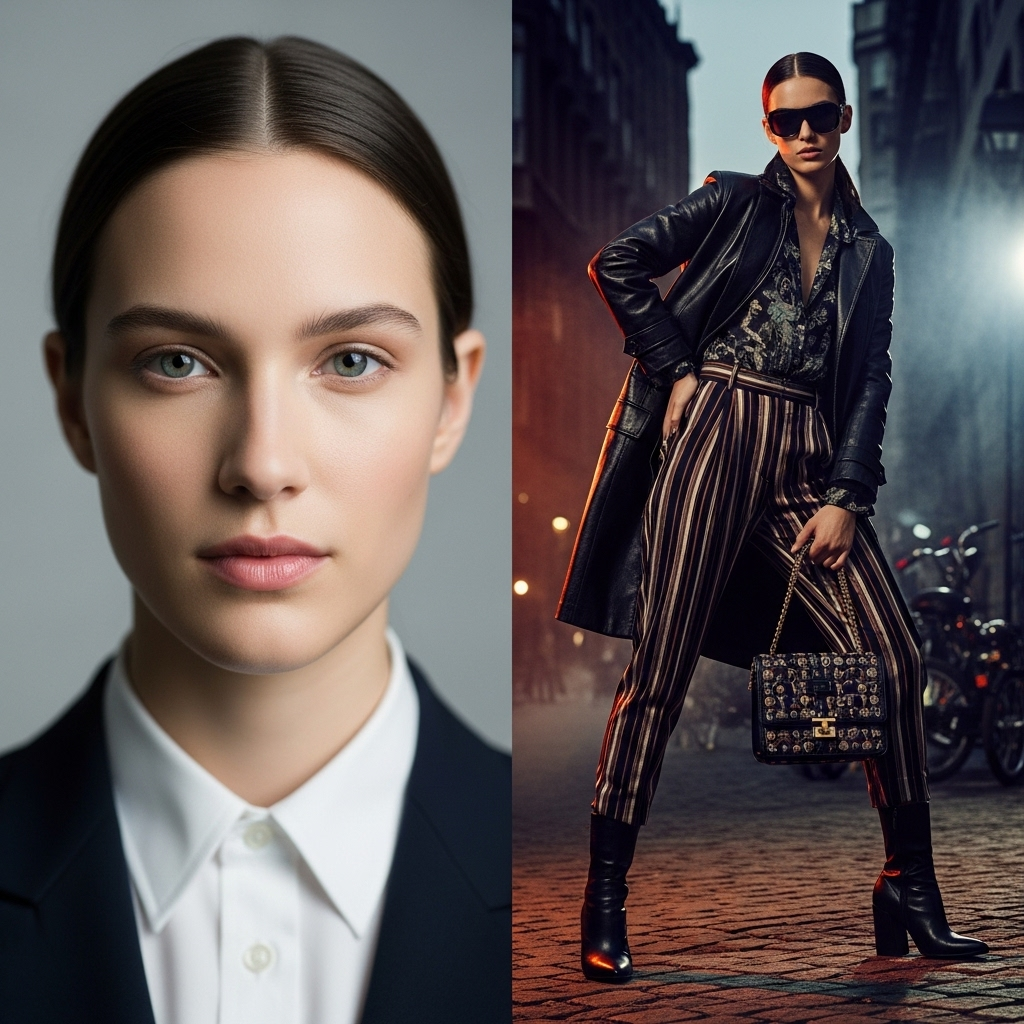
Specifying different photography styles can also impact the type of image you see. See how these two AI-generated images differ.
Prompt: A side-by-side comparison of portrait and fashion photography
Some photography styles to play with include:
- Portrait photography
- Landscape photography
- Sports photography
- Fashion photography
- Architectural photography
- Astrophotography
- Documentary photography
- Macro photography
- Nature photography
- Real estate photography
- Aerial photography
- Headshot photography
- Street photography
- Wedding photography
- Food photography
- Product photography
- Still life photography
- Black-and-white photography
- Fine art photography
- Double exposure photography
- Bokeh photography

How to use an AI image generator
These ideas should give you ample inspiration the next time you need to generate an image. If you’re looking for a free tool to try, QuillBot’s AI image generator can help you create high-quality pictures in seconds.
Remember to provide a lot of detail about the type of image you’d like to create, then sit back and be amazed by your creations! If you’re not sure which types of details you should provide, you can also try QuillBot’s AI image prompt generator.
Frequently asked questions about AI image prompts
Cite this Scribbr article
If you want to cite this source, you can copy and paste the citation or click the “Cite this Scribbr article” button to automatically add the citation to our free Citation Generator.
Scribbr. (2025, October 17). The Best AI Image Prompts of 2025 | 80 Ideas. Scribbr. Retrieved September 26, 2026, from https://www.scribbr.com/ai-tools/best-ai-image-prompts/