
Best Free AI Image Generators in 2026
If you’re looking for the best free AI image generator, 2026 offers a variety of options: from standalone platforms to integrated design apps and assistant-based tools like ChatGPT. In this article, we provide an objective comparison of the best AI image and graphic generators, looking at their strengths, weaknesses, and the types of projects they’re best suited for.
Types of AI image generators
Not all AI image generators work the same way. Some are standalone tools, built just for creating images (like Quillbot or Leonardo AI). Others are integrated tools, added into larger design platforms (like Canva, Freepik, or Adobe Firefly). A few live inside conversational AI assistants—for example, ChatGPT with DALL·E. And finally, there are open-source platforms such as Open Art, which give users more flexibility and control but often require more experimentation.
How we tested the best free AI image generators
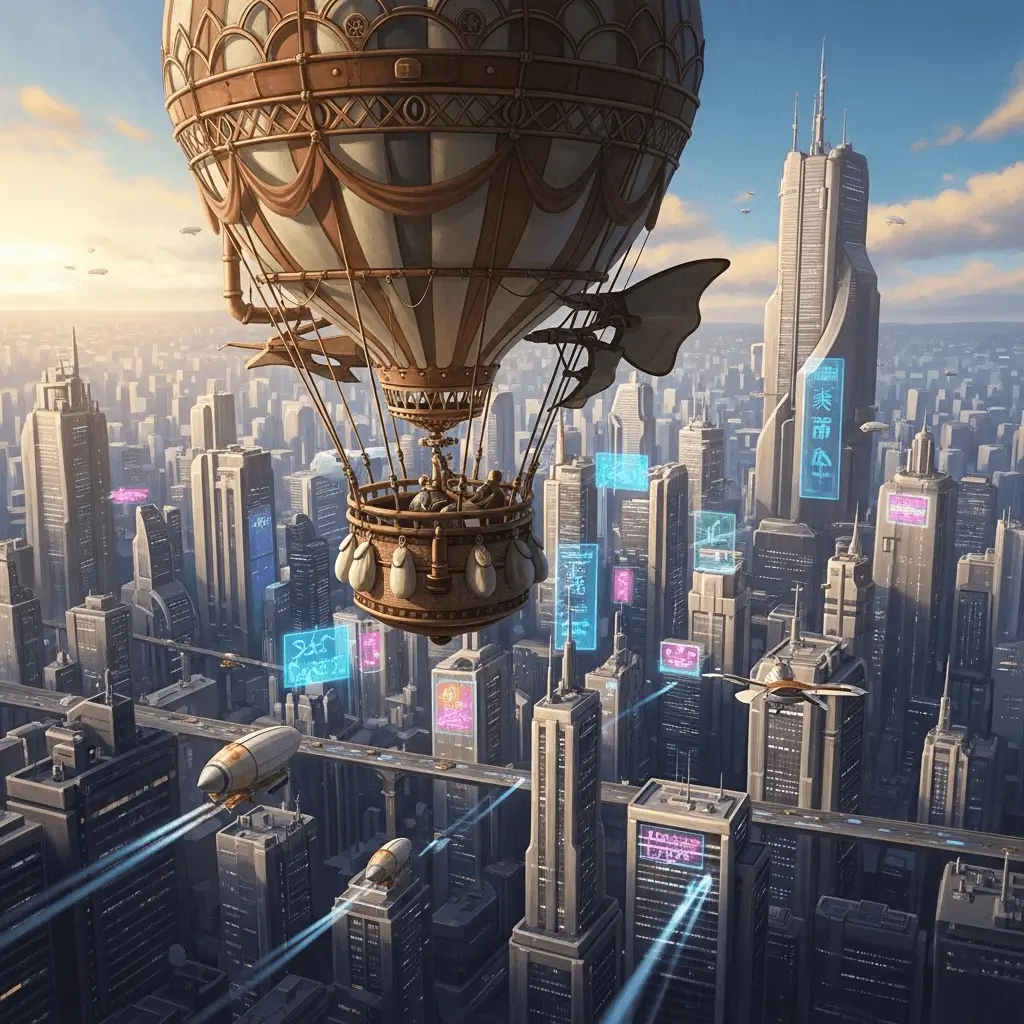
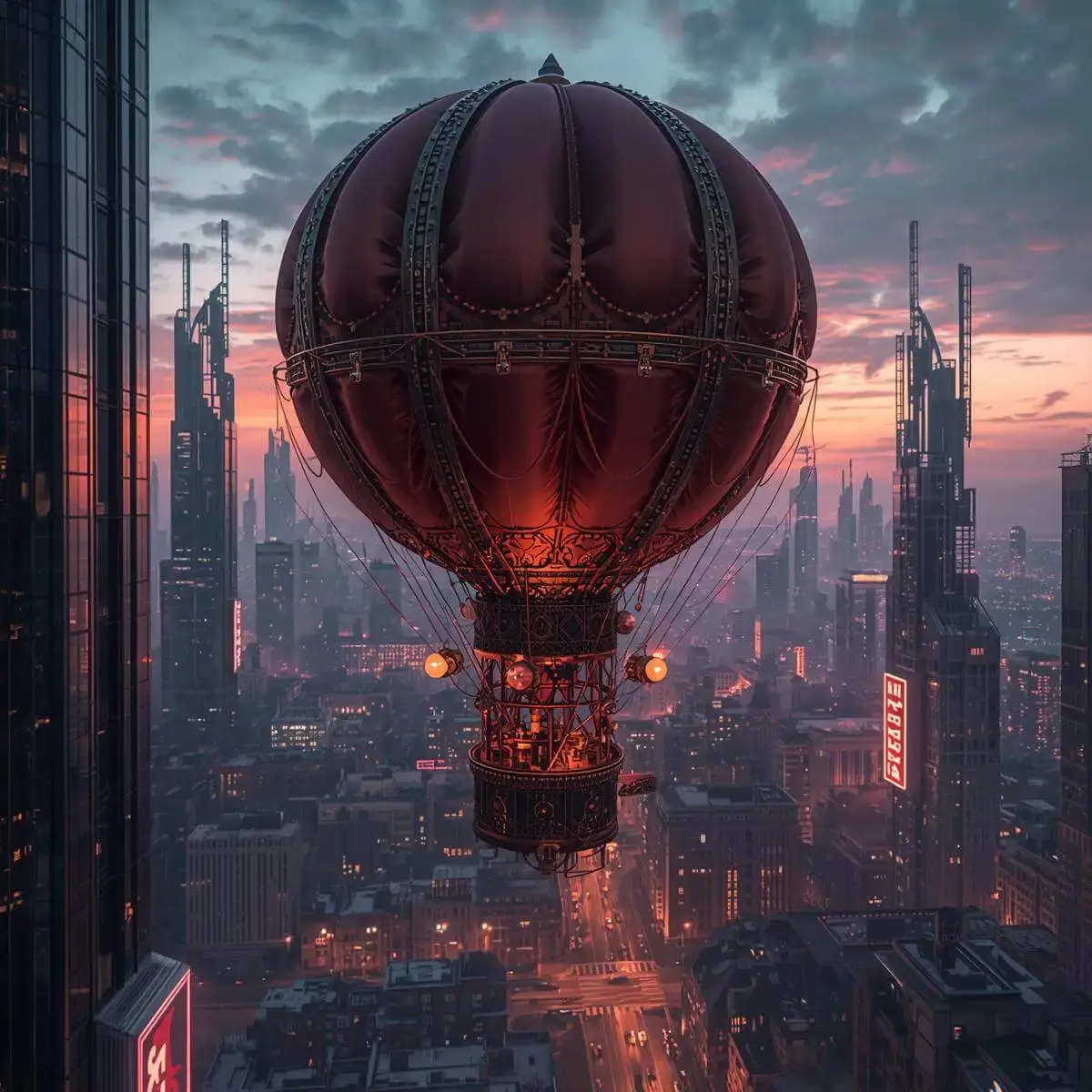
To compare these tools fairly, we used the same prompt for each one: “a steampunk hot air balloon hovering above a futuristic cityscape.” We then evaluated the results based on a few key criteria:
- Image quality: Does the image look clear and well-rendered, with good detail?
- Prompt fidelity: How accurately does the image reflect the description we provided?
- Ease of use & speed: Is the tool straightforward to navigate, and how fast are the results?
- Free plan limits: How many credits or downloads are available without payment?
Comparison table
Below is a quick overview of how the free AI image generators we tested performed.
| Tool | Image Quality | Prompt Fidelity | Ease of Use & Speed | Free Plan Limits |
|---|---|---|---|---|
| Quillbot | Clear and well-rendered | Very faithful to prompts | Beginner-friendly, fast | 3 free images every 24h |
| Canva AI | Clean, template-ready | Matches simple prompts | Extremely easy and fast | 50 free uses per account |
| ChatGPT (DALL·E) | Decent, sometimes less detailed | Good, but can miss nuance | Conversational | Limited free images; resets after a certain period |
| Adobe Firefly | High, professional-grade | Strong fidelity | Easy to use, integrates with Adobe apps | 10 free credits |
| Predis.ai | Clean, social-media-ready visuals | Good for posts, ads, and captions | Fast prompt-to-post workflow with editing and scheduling tools | Credit-based limits; Core plan includes 1,300 credits/month |
| Freepik | Strong, customizable | Varies, may not match intended aesthetic | Moderate learning curve | Limited daily free credits |
| Simplified | High-quality, customizable images | Strong prompt accuracy across multiple art styles | Easy to use with fast image generation | Free plan with limited AI credits and image generations |
| Leonardo AI | Photorealistic, high-quality | Faithful to prompts | Moderate speed, complex interface | Token system |
| Open Art AI | Excellent, highly customizable | Very strong | Flexible but steeper learning curve | 40 trial credits |
Detailed comparison
In this section, we break down each AI image generator, examining what they do best, where they fall short, and the types of projects they’re suited for, so you can quickly identify which one meets your needs.
Quillbot AI Image Generator
Pros: Quillbot’s AI image generator is very easy to use, with a beginner-friendly interface. Users can choose from a variety of styles (digital art, anime, 3D, etc.). It follows prompts closely, edits quickly, and exports in PNG format. The FAQs at the bottom answer all the questions you might have about the tool, making it all very transparent.
Cons: Limited customization. You can re-prompt for edits, but fine-tuning options are minimal beyond aspect ratio and PNG export. Only 3 free images every 24 hours.
Use case: Ideal for bloggers tired of generic stock photos, as well as social media marketers who need quick visuals for campaigns, pitch decks, or UI mockups. (For a comprehensive list of creator-focused AI tools tested by experts, check out the Feisworld AI Hub.)
Quillbot’s AI Image Generator
Try Quillbot’s AI image generator
Canva AI
Pros: Clear credit system (50 free text-to-image uses per account, 1 per edit). User-friendly interface suitable for both beginners and professionals, integrated with Canva’s massive design toolset and template library. Perfect for combining AI images with other graphic design elements.
Cons: Users can’t remix existing images. Many of the best AI tools (like background removal) are behind the Pro paywall.
Use case: Best for social media visuals, presentations, logos, or marketing materials where speed and templates matter more than deep customization. Great for beginners and professionals who need efficiency. Not suited for power users who want advanced control.
Canva AI
ChatGPT (DALL·E)
Pros: Users can refine prompts conversationally and make iterative adjustments easily.
Cons: Sometimes misses nuance (e.g., when asked to amp up the futuristic aspect, it changed colors rather than the design of the city). Image quality could be more refined.
Use case: Best for beginners or casual users who don’t want to learn a new interface. Works well for quick experiments and creative brainstorming.
ChatGPT DALL·E
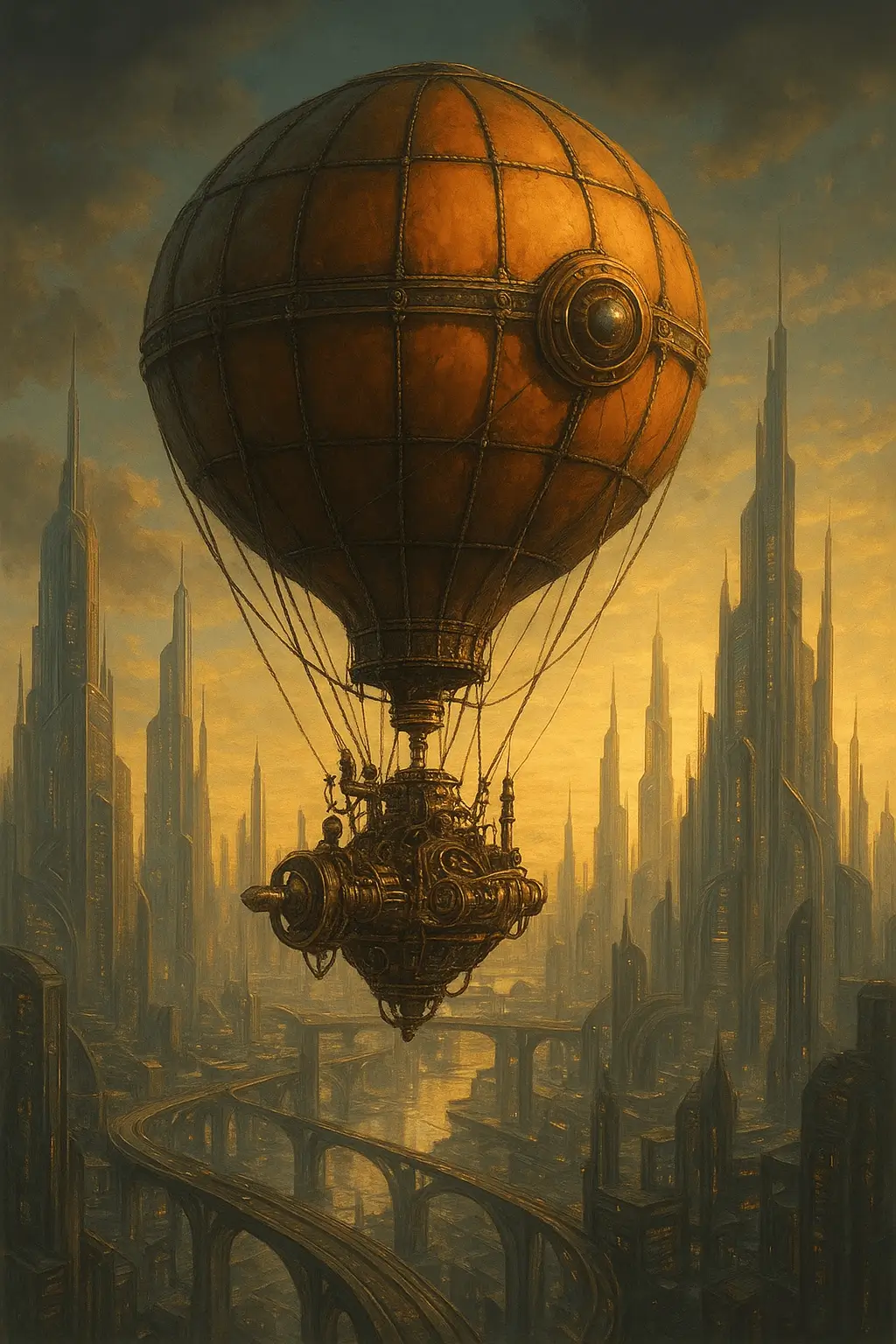
Adobe Firefly
Pros: Delivers professional-grade image quality that stands out for its sharpness, realism, and detail. It integrates seamlessly with the Adobe ecosystem (Photoshop, Illustrator, Express), which makes it particularly powerful for users who already rely on Adobe tools. The interface is clean and beginner-friendly, so you don’t need to be a design expert to get strong results.
Cons: Credits deplete quickly (you start with 10 free credits), especially since multiple credits are consumed per prompt and additional ones are required for upscaling.
Use case: Designers or creatives already working in Adobe’s ecosystem who want to combine AI-generated visuals with traditional design workflows.
Adobe Firefly
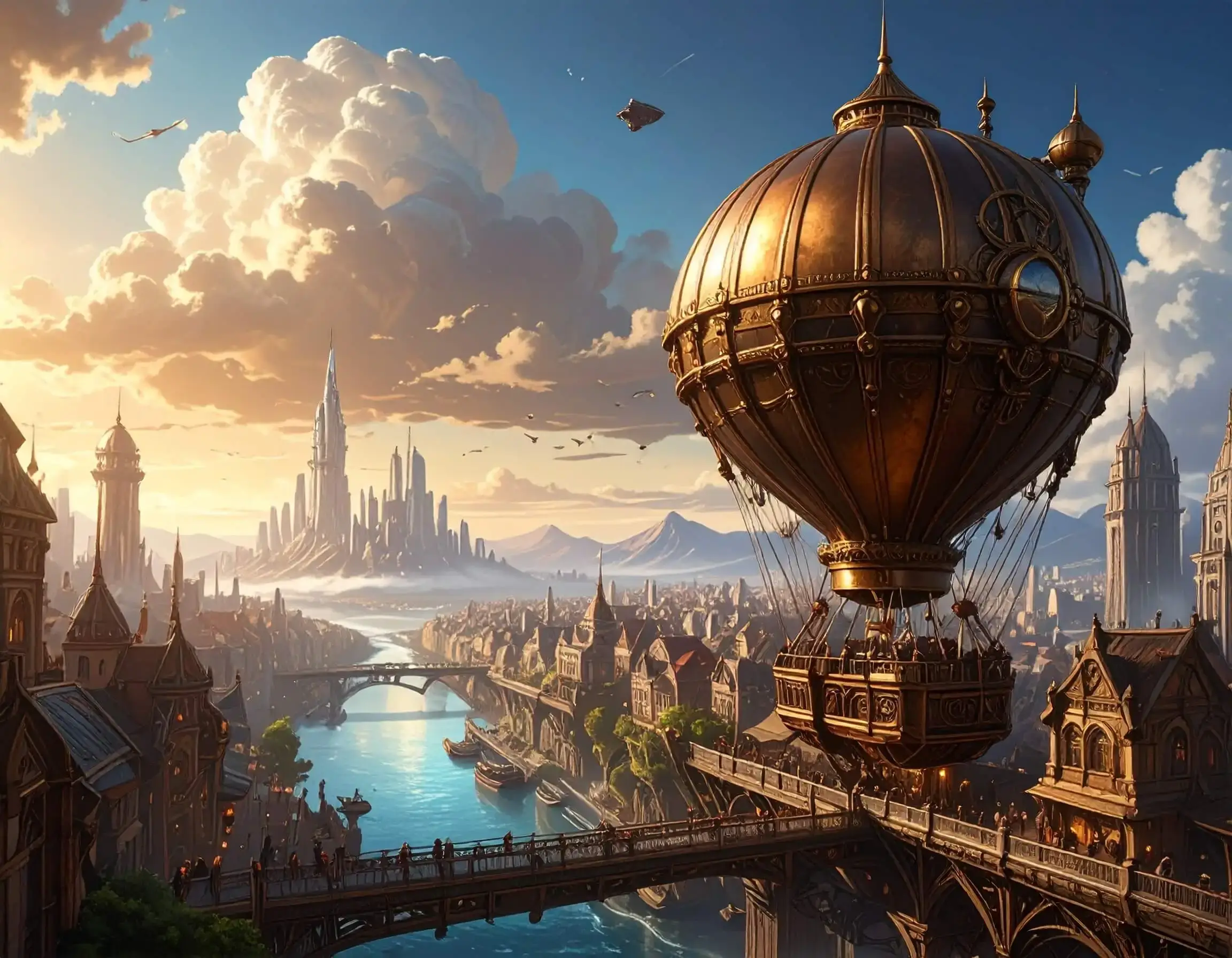
Predis.ai
Pros: Predis.ai focuses on social media and marketing content creation rather than general-purpose image generation. It can create post visuals, captions, hashtags, carousels, videos, and ad creatives from a short prompt or product description. The platform also includes basic editing options for templates, brand colors, fonts, and calls to action.
Cons: Predis.ai may not be the best choice for users looking for detailed artwork, comgive iplex visual scenes, or advanced control over image-generation models. Its features are more focused on practical social media output, so creators who want deeper customization or experimental visuals may prefer tools like Leonardo AI or Open Art. Since usage is credit-based, users creating content frequently may need to keep track of their available credits.
Use case: Useful for digital marketers, small businesses, and social media teams that need social media visuals for posts, ads, product promotions, and regular campaign content.
Predis.ai

Freepik
Pros: Strong customization options allow users to specify styles, lighting, colors, camera types, and even reference photos. Background remover is free. File format choice (PNG or JPG).
Cons: Didn’t quite produce the aesthetic described. Free tier is restrictive; when you run out of credits, you must wait until the next day. Free downloads are for personal use only.
Use case: Great for creative users who want flexibility and to layer filters/effects, but may not be reliable for daily professional work without a paid plan.
Freepik

Simplified
Pros: Simplified has an AI Image Generator feature that creates high-quality visuals from text prompts in multiple artistic styles. The interface is beginner-friendly, with fast image generation and built-in editing tools that let users refine designs without switching platforms. It also integrates with AI writing, graphic design, video creation, and brand management features, making it convenient for creating complete marketing assets in one place.
Cons: Advanced customization options are more limited than those offered by dedicated AI art platforms such as Leonardo AI. Some AI features and higher usage limits require a paid plan.
Use case: Best for marketers, content creators, small businesses, and social media teams that need AI-generated images for blog posts, advertisements, presentations, social media graphics, and branded marketing materials while managing their creative workflow from a single platform.
Simplified
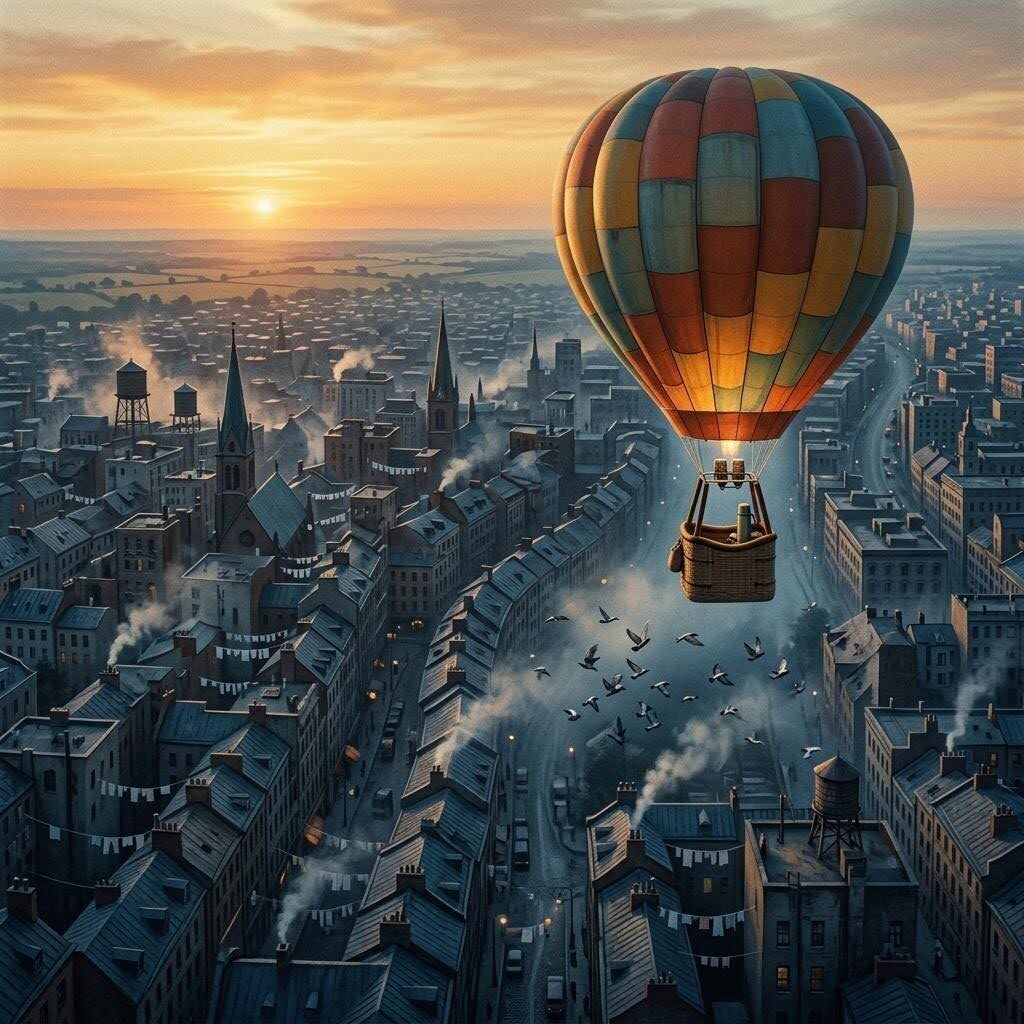
Leonardo AI
Pros: High image quality with photorealistic results and faithful prompt interpretation. Offers lots of customization: different models, styles (illustration, monochrome, food, etc.), and advanced settings.
Cons: Token system is unclear, so users may not know how credits are spent. Beginners may find the interface complex. Speed is decent, but results depend on model choice.
Use case: Best for advanced creators who need highly customizable, professional-quality visuals, including game assets, concept art, 3D textures, and marketing materials, with a focus on precision and photorealism rather than exploratory experimentation.
Leonardo AI
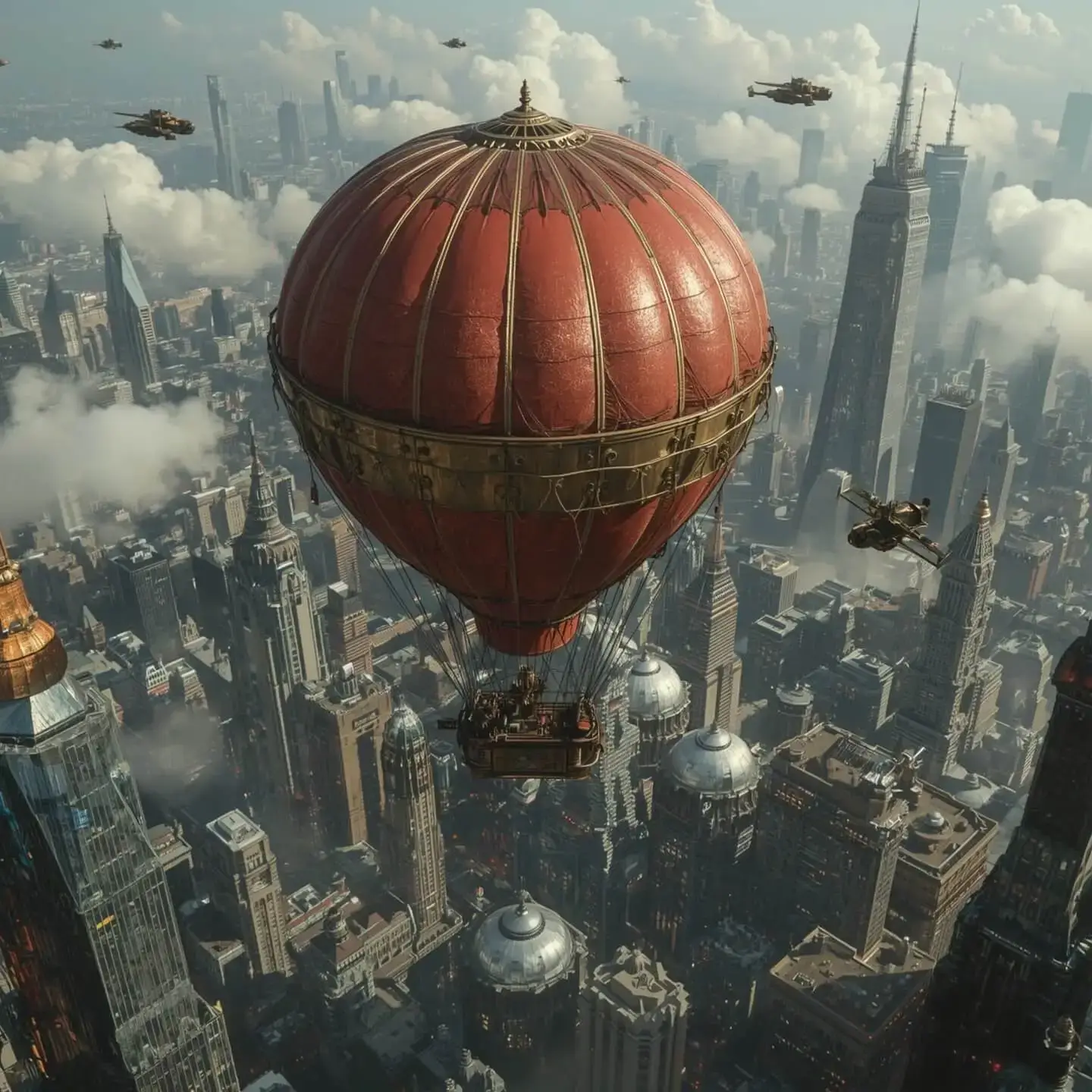
Open Art AI
Pros: Excellent image quality and prompt fidelity. With over 100 AI models and artistic styles available, it offers lots of editing and customization options. Offers 40 trial credits, with clear info on credit usage per action. Users can get additional credit by following them on social media. The free plan gives you access to all premium features like custom AI model training and image-to-video conversion for a 7-day trial period. Text prompting is optional, so there’s room for freely exploring the tool.
Cons: Requires some technical know-how for best results; a steep learning curve for advanced functions.
Use case: Ideal for creators who want to experiment with different AI models and styles. Perfect for power users, developers, or designers who want total control and flexibility. Great for storyboards, experimental art, or custom professional visuals.
Open Art
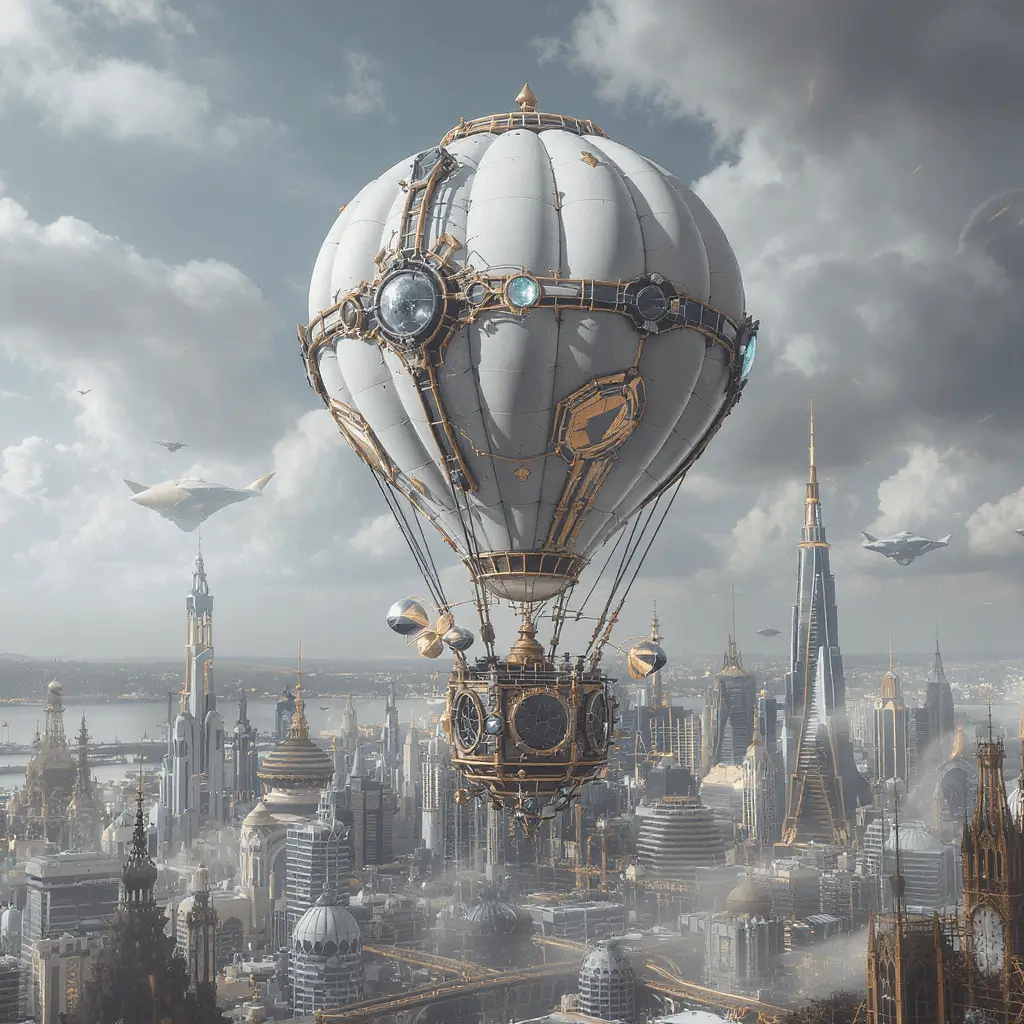
Best AI image generator for different scenarios
Different tools excel in different areas. Here’s a quick guide to help you choose the right AI image generator for your needs, from beginner-friendly options to professional workflows and creative experimentation.
Best for beginners / simple workflow: Quillbot AI image generator, ChatGPT (DALL·E)
Best for world-building / highly detailed imaginary landscapes: Open Art
Best for flexible / customizable visuals: Freepik
Best for expressive or stylized art: Leonardo AI
Best high-volume free use: Canva
Best for professional design workflow: Adobe Firefly
Best for flexible / customizable visuals: Simplified
Frequently asked questions for image generators
Cite this Scribbr article
If you want to cite this source, you can copy and paste the citation or click the “Cite this Scribbr article” button to automatically add the citation to our free Citation Generator.
Scribbr. (2026, August 24). Best Free AI Image Generators in 2026. Scribbr. Retrieved October 13, 2026, from https://www.scribbr.com/ai-tools/best-free-ai-image-generators/